Apps Like StudentsNotes-课堂笔记画画涂鸦拍照 for iPhone and iPad
Draw and write on class notes.
The app allows users to draw and write on pictures taken in class. Users can save these notes as images, add them to a square, and share them via email.
by 著显 朱★ 1.01 ratingsEducationFreeData updated 2026-09-28
The app offers creative drawing tools with various colors, stickers, and backgrounds. Users can create stories by recording their voice and animating stickers, then save and share their creations.
Report city issues like graffiti, potholes, and missing signs by adding photos and submitting requests. Track submission status and receive notifications when issues are resolved. View all submitted requests and their updates.
Create and customize drawings using line tools, paintbrushes, and stamps. Access a library of free pages to color and paint. Share completed artwork with family or friends. Draw freely or use pre-designed templates for creative expression.
Take photos or load images from the library. Add handwritten notes and drawings. Apply filters. Enlarge images for detailed editing. Save original files and multiple sizes. Share via email. Paint on images without access.
The app syncs handwritten notes, sketches, and diagrams from a Livescribe 3 or Aegir smartpen to an iPhone or iPad. Users can organize, tag, and convert notes to text for tasks, reminders, and events.
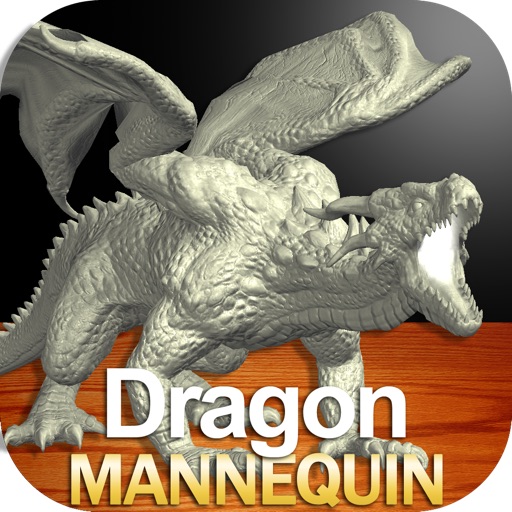
Draw a with poseable limbs and adjustable joints for custom poses. Use reference tools and skins to enhance detail and realism. Adjust camera angles and select backgrounds and platforms for accurate drawing.
Take notes on presentation slides and draw directly on them. Note-taking is also available in posters and exhibitors sections. Share notes via in- messaging, email, and social media.
Receive real-time alerts about road closures, weather updates, and local events in Garden City, NY. Access frequently used village resources. Report issues like potholes or graffiti directly through the .
Access event presentations, exhibitors, and posters. Take notes on slides and draw directly on them. Connect with other attendees and view session details.
Draw and color characters directly on the screen or with a pencil on paper. Access a public gallery to share art. Follow step-by-step drawing guides. Color pages with solid or gradient colors. Color pixel art by numbers.
The app allows for real-time collaboration, recording, and sharing of ideas. Users can draw, insert images and text, record notes, and annotate PDF documents.
The app captures notes automatically when it detects corner codes. It removes the background, leaving only the user's writing or drawing on a white background.
Dictate notes using recognition and -to-text. Edit dictated text and adjust font size. View a list of all notes. Share text or send to other apps. Supports iPad. Allows users to leave feedback and suggest improvements.