Create symmetrical Easter egg drawings with customizable background and brush colors. Select from four brush sizes. Save or share artwork. in random mode for automatic brush size changes.
by ATBOSH Media Ltd.★ 4.98 ratingsPhoto & VideoFreeData updated 2026-09-08
The app allows users to cut out objects from one image and superimpose them onto another. It offers a magnetic lasso and a brush pen for masking, with options for resizing, moving, and rotating the foreground image.
Allows users to create artwork by selecting colors and tapping to fill areas. It offers pre-designed categories like animals, flowers, and mandalas. Users can pinch to zoom for detailed . Artworks can be drawn freely.
The app transforms photographs into artwork using an automatic painting tool. Users select a paint style and apply it to their photo, with options for brush size, stroke variation, and color tone.
The app offers eight brush types and auto-saves images. Users can transfer images to their Mac via iTunes file sharing or share them through email and social media platforms.
The app involves high-flying action where players collect Easter Eggs for points. Users leap from platform to platform, grab magic coins, and turbo boost their score.
Create artwork using brushes, futuristic backgrounds, and glowing stickers. or paint with finger swipes. Add text and notes with the text editor. Apply effects to photos and over them. Save and share edited images.
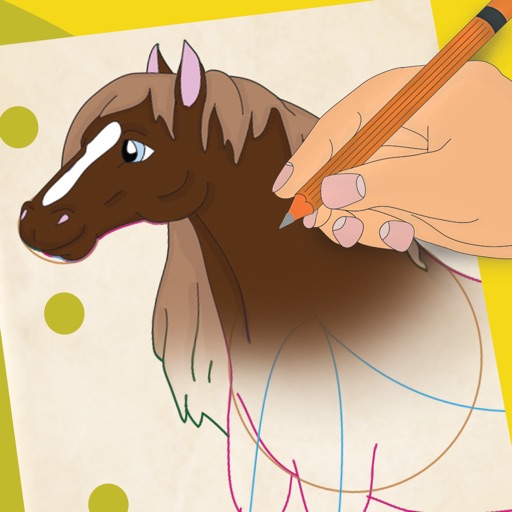
Learn to 10 through 8 step-by-step lessons. Choose an animal, follow guided instructions, and create drawings anywhere. Save and share completed artwork.
The app allows users to add hand-drawn sketches and typography to photos. Users can resize, rotate, color tint, and adjust artwork opacity before exporting photos in full resolution.