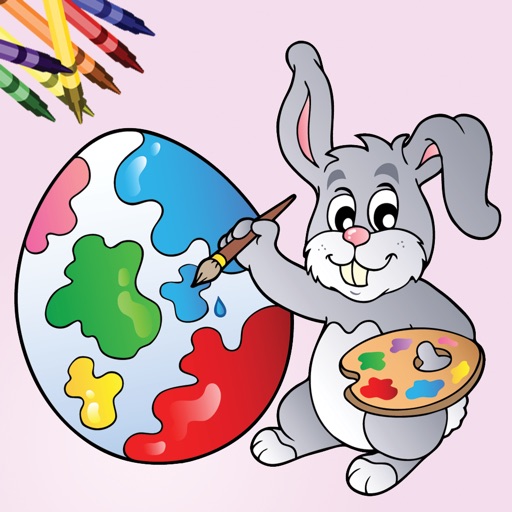
Create symmetrical Easter egg drawings with customizable background and brush colors. Select from four brush sizes. Save or share artwork. in random mode for automatic brush size changes.
by ATBOSH Media Ltd.★ 4.98 ratingsPhoto & VideoFreeData updated 2026-09-08
And paint with a variety of tools including pens, lines, arrows, rectangles, ellipses, and text. Apply effects, adjust colors, and use filters. Crop, enhance, and add stickers to artwork.
Send animated Easter emoji and gifs via iMessage and popular messaging apps. Create AR video messages with emoji overlays. Share custom emoji-filled videos directly to social platforms. Use both in iMessage and as a standalone .
Play a memory game where you repeat color sequences, with each round adding one more step. Challenge yourself in classic mode to progress through increasing difficulty levels. Track your progress and compete against your previous scores.
The app allows users to create finger paintings with adjustable opacity and brush sizes. Users can mix custom colors, utilize a palette of 10 colors, and an eraser.
The app presents an Easter game where users select adjoining eggs of the same color to place them in a basket. Selecting more eggs at once yields higher scores.
The app offers family-friendly coloring scenes and characters with Retina Display graphics. Users can color ready-made drawings or use photos from their device, with features like color-in-the-lines and a paint bucket tool.
Color pictures with realistic brush strokes and save creations. Access a variety of pre-drawn images to color. Draw freely on blank pages with zoom functionality. Watch video replays of drawing sessions.
Create 2D animations and videos frame by frame. Use multi-track timelines and keyframes for motion. Record motion or effects easily. Access 300 textured brushes for drawing. Export animations in various formats.
Create mandalas using watercolor, crayon, and oil paint tools. Add glitters for sparkle effects. Choose from anti-stress coloring pages and creative templates. Save and share finished artwork.
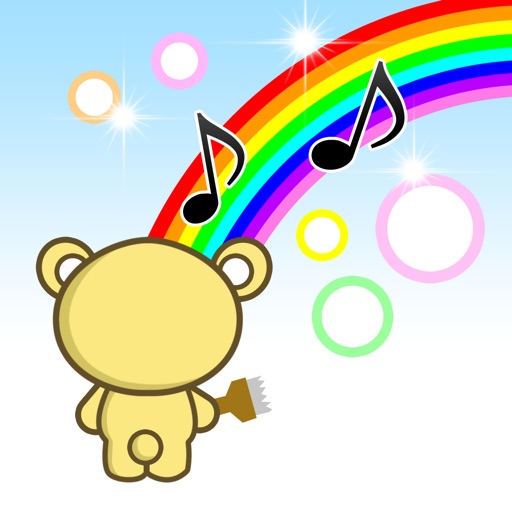
The app provides a drawing experience with colorful stamps and rainbow lines that trigger sounds. Users can save their creations, clear the canvas with trash and eraser buttons, and choose between white and black backgrounds.
Create artistic images with single-tap camera effects and professionally designed filters. Adjust brightness, contrast, and tone curve. Blur and focus images. Rotate, crop, and resize photos. Add text and fun stickers.
Create drawings by importing images and adding layers. Use talking stickers that repeat spoken words sound. Access tools for detailed artwork. Design custom sets Talking and draw animated characters. Explore mirror painting for symmetrical art.
Edit photos with exposure, contrast, highlights, shadows, whites, and blacks adjustments. Modify colors with saturation, vibrance, hue, and temperature. Remove haze and fog with an intelligent filter.