Organize notes in folders and add pictures. Check items as complete with due dates and reminders. Search notes and filter by tags or calendar dates. Sync across iOS devices and view notes on web. Share folders with others and use journal mode.
Create video stickers by removing backgrounds with one click. Make photo stickers from gallery images. Add text and GIFs to enhance stickers. Share animated stickers on , iMessage, Telegram, and other platforms.
Manage lists with nested structures, up to 5 lists containing 50 items total. Create main lists with unlimited items. Add notes, check off items, and organize tasks. No synchronization or iCloud support in the lite version.
Allows users to write notes quickly without creating new entries. It supports typing text, solving simple math problems, and syncing across devices via iCloud. Notes are stored in a single document.
Save text, links, and images for later access. Sync clips across devices using iCloud. Access saved content via keyboard extension. Save items from share sheet to . Organize with tags and search history.
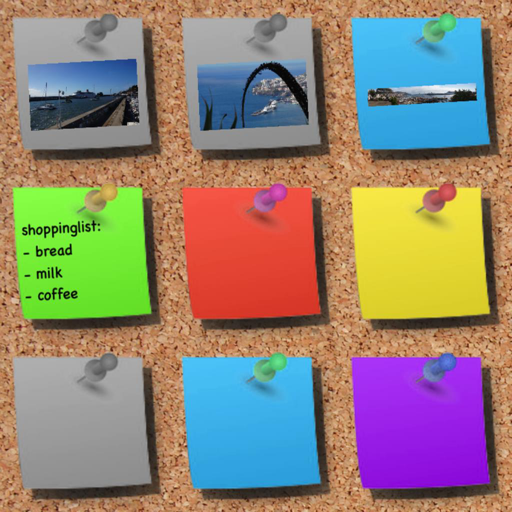
Create and organize with customizable colors and drawing tools. Add sticky to a virtual corkboard or capture photos as memos. Use various pens and an eraser for editing. Share directly or save them for later.
Read allows users to save articles for reading. Highlight text with color codes and add notes to highlights. Switch between light and dark themes for reading comfort.
Create and manage personal entries with customizable profiles and themes. Add photos, weather, and location automatically. View entries in detail or calendar format. Sync with iCloud, set up emergency contacts, and organize tasks and reminders.
Create and save notes instantly. Choose between day and night mode. Group notes by date or color. Assign custom colors and design styles. Filter notes for access.
And create sketches or doodles with customizable colors and typography. Use pencil, pen, or brush tools. Choose from textured, staff, grid, or blank backgrounds. Share through any phone program. Vote for improvements.
Take notes and organize them with tags for easy filtering. Edit, delete, or create notes as needed. Count characters or words in text. Separate notes into categories for better management.
Digital with customizable backgrounds. Add text with adjustable fonts, colors, and borders. Draw on photos or include images that can be moved, rotated, and scaled. Save and share finished designs through social media apps.