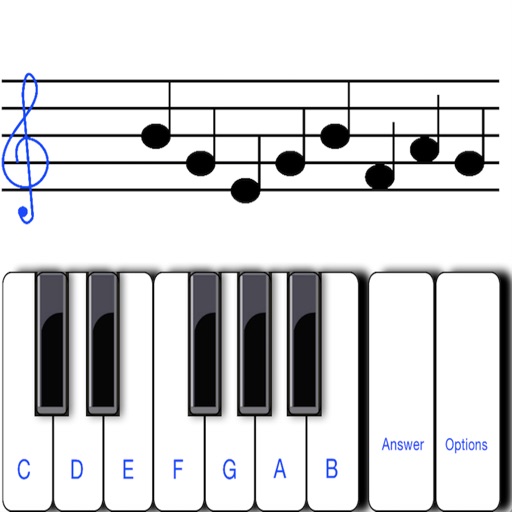
The app allows users to recognize pitches by sight or sound and notate or play them on the piano. It includes a Grade Book for saving and printing results, with options for different clefs and an Ear Training mode.
by Patrick Kelly★ 5.01 ratingsMusic$3.99Data updated 2026-09-28
Musical notes and clef identification with interactive exercises. Practice reading treble, bass, and other clefs. Track progress with quizzes and feedback. Sync lessons across devices for continuous learning.
Learn to read notes with real-time feedback. Identify notes on-screen by playing them. Earn stars based on speed and accuracy. Track progress over time. Sync with instruments for instant evaluation. Set goals and monitor improvement.
Learn music theory with lessons on chords, scales, and intervals. Identify melodies by ear and practice sight reading. Train rhythm, solfège, and note recognition. Sing notes and intervals to improve pitch accuracy.
The app converts MIDI files into synchronized sheet music. It supports multiple clefs and offers song management features, including downloads and iCloud synchronization.
Practice sight-reading of musical notes on bass and treble clefs. Select notes in specified keys with 0-4 flats or 1-4 sharps. Play in arcade, countdown, or endless modes. Track progress through flashcard exercises.
Practice with and backing tracks for various instruments and skill levels. Play-along with professional recordings. Receive curated recommendations based on instrument and level.
Allows users to tune instruments using the device's microphone. It supports custom temperaments and transposition. Features include solfège notation, adjustable calibration, and a spectrum power indicator for sound visualization.
Learn to play musical instruments with interactive and practice tools. Choose from violin, piano, saxophone, trumpet, flute, clarinet, and more. Track progress, access tutorials, and practice with built-in exercises.
Create and edit musical scores with multi-staff and multi-voice editors. Add notes and chords using the Pencil tool. Transpose sections with vertical drag. Use On-Screen piano for quick composition. Select and adjust elements with the Select tool.
Practice with progressive drills for all seven clefs. Learn sight- through interactive exercises tailored to your instrument. Track progress with detailed feedback and adjust difficulty levels as skills improve.
Perform basic calculations with a standard interface. Optimized for iPad and iOS 9 with high-resolution display support. Includes a charming piano sound for input. No popups or ads.
The app offers a game-based approach for children to learn music reading through timed note flashcard challenges. It includes a practice mode for relaxed learning and supports multiple input methods, including playing an instrument.
Convert into interactive lessons with accurate scanning and transposition tools. Adjust key settings for different instruments. Play along with built-in audio. Save and organize lessons. Export notes and practice tracks.
To sight notes in G and F clefs. Practice notes across six octaves, including those above and below the staff. Randomly generated notes apply to any instrument. Switch clefs for varied practice. Beginners can limit octaves and set their pace.
The app provides an endless set of flashcards for learning music. It supports Treble, Alto, Tenor, and Bass clefs, with options to add six additional historical clefs for a fee.
The app trains reading notes on all 88 keys within various key signatures. It offers customizable practice options for different skill levels and tracks user progress with informative graphs.