Apply real-time filters to photos using retro video game color palettes and resolutions. Choose from preloaded systems or purchase additional ones. Edit existing photos with available filters. Share filtered photos directly via the 's share dialog.
by sushiGrass★ 4.537 ratingsPhoto & VideoFreeData updated 2026-09-08
Capture photos with built-in live filters in landscape or portrait mode. Adjust saturation, contrast, brightness, exposure, and sharpen. Apply crop, gamma, haze, sepia, or color invert.
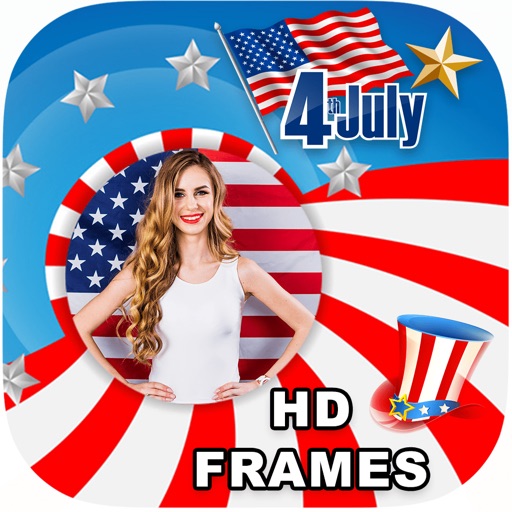
Edit photos with filters, select and apply Independence Day , add text with customizable font style and size. Share edited photos via social links. Set color options and arrange images in sets.
Capture photos a 178-degree fisheye lens for wide-angle . Apply 40+ filters and 8 ring textures for creative enhancements. Switch between lenses, filters, and textures for customized looks.
Edit photos with filters, borders, and cropping tools. Share directly to social media or print. Connect accounts to access memories. Customize images with text and stickers. Export in multiple formats.
Convert photos and videos into paintings or hand-drawn animations using AI. Apply sketching or painting styles with adjustable textures. Save the artwork process as a video. Choose from five standard art tools.
Edit photos with vintage filters, effects, and customizable frames. Add text and stickers. Crop and adjust images. Save and share edited photos directly.
Edit photos by highlighting colors, removing or changing backgrounds, and blurring specific areas. Use healing and smoothing tools for precise adjustments. Create photo montages and export edited images directly.
Edit photos by selecting frames in square or portrait format. Reposition, resize, and crop images within the . Customize appearance and apply filters. Preview final edits and save to photo library.
Apply VHS, Stardust, Retro, and Golden Hour filters to photos and videos. Edit RAW photos with tools like Contrast, Saturation, Grain, and Fade. Crop and Skew images for perspective adjustments. Save and reuse favorite edits with presets.
Capture moments with filters and cinematic effects
Capture photos with full manual controls over shutter speed, ISO, and white balance. Apply 35mm filters inspired by Kodak, Fuji, and Agfa. Use cinematic effects to enhance images and preserve memories as -style photographs.
Capture photos with vintage filters and frames. Add text, stickers, and emojis. Save or share images directly. Includes motion detection for continuous shooting. Offers instant print options through compatible printers.
Apply filters to photos or videos to change appearance or add effects. Predict future scenarios using themed filters. Share filtered content with friends. Access trending and humorous filter options.
Edit and style baby, pregnancy, and child photos with customizable backdrops and filters. Add text overlays and adjust lighting. Save and share final images directly.
Capture photos with filters to enhance appearance. Adjust lighting and apply special effects. Share edited images directly. Track dining moments and save high-quality photos.
Edit photos with brightness, saturation, and contrast adjustments. Add text, stickers, and memes. Crop, rotate, and straighten images. Apply effects and frames. Sharpen or blur photos. Import images from the camera roll. Fix red tones.
Create 3D effects by moving the phone to capture multiple angles of a subject. Apply filters and effects to enhance the image. Add customizable background blur to simulate professional camera quality. Export videos without watermarks.
Allows users to shoot photos and videos with 30+ simulated cameras, each replicating the color and texture of classic cameras. Users can apply unique styles to existing media or shoot directly.
Capture photos with one-touch shutter. Adjust exposure, focus, and white balance manually. Share images directly to social media or save in high-resolution formats. Edit photos with basic tools like cropping and filters.