The app provides remote control for Disklavier E3 or DKC-850, replicating infrared remote functions on iOS devices. It displays the control unit screen, allowing users to view information like song titles without being at the piano.
by Yamaha Corporation of America★ 2.99 ratingsUtilitiesFreeData updated 2026-09-27
The app provides a graphical overview of the Wi-Fi network and connected devices. It allows users to view and change network and Wi-Fi settings, restart base stations, and update firmware.
Manage Internet Service by running speed tests, editing network settings, restarting the router, and sharing Wi-Fi passwords. View account balance and statements, and manage payments. Access help resources and contact support for assistance.
Control TV with power, volume, channel, and arrow keys. Access home, return, mute, and option functions. Use on-screen keyboard for input. Connect via local Wi-Fi network.
View live Cloud Camera feeds and manage Cloud Routers remotely via Wi-Fi or 3G/4G. Check upload/download bandwidth and network status. Adjust wireless security settings. Access Cloud NVR footage.
Manage your network remotely with real-time traffic monitoring and child internet protection. Set up new routers, view network status, and control device connections from anywhere.
Control Yamaha network products via Wi-Fi with volume, mute, and power commands. Switch inputs, adjust settings, and stream music tracks from iOS devices to compatible systems. Manage Internet Radio, USB, and FM/AM sources remotely.
The app allows homeowners and property managers to control a Leviton system. Users can adjust lighting, temperature, security, surveillance, and audio from their iPhone or iPod Touch.
Mirror and control desktop screens over WiFi, USB, or LAN. Cast displays to TVs, tablets, or phones. Access remote computers for file transfers and control. Use drawing tablets for digital art. View and interact with remote desktops and applications.
Stream music from Internet radio or music services. Control playback across multiple rooms. Play the same song in all rooms or different songs in separate rooms. Add speakers to expand sound coverage.
Control compatible network devices to play music in individual or all rooms. Access music streaming services like Pandora, Spotify, DEEZER, and TIDAL. Manage playback and adjust settings through an intuitive interface.
Configure internet connections and update firmware for MN-10 or wireless routers. Set administrator passwords and wireless SSID and passphrase for 2.4GHz and 5GHz networks. Discover devices and ensure proper settings during installation.
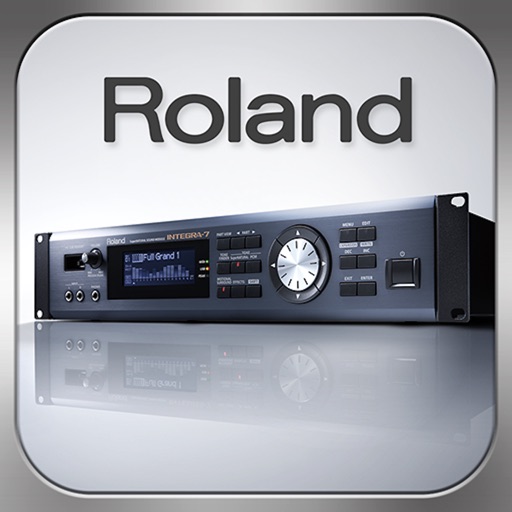
Control synthesizer parameters like SuperNATURAL Synth Tones and Part Mixer remotely. Select and load Studio Sets. Adjust tone assignments for each part. View and modify settings on an iPad screen. Requires Roland -7 and Wireless Connect.
Securely connect to any computer worldwide using RDP or VNC protocols. Access remote desktops with Fluid Remote protocol for high performance. Set up quickly and reliably. Control remote machines with mouse and keyboard input.
Control monitor mixes on stage via smartphone or tablet. Adjust levels, mutes, and EQ settings. Save and recall custom mixes. Connect to CQ mixer via Wi-Fi or external router.
Scan wireless networks to identify connected devices and hidden equipment. Copy MAC addresses for tracking. Perform speed tests for internet and local networks. Measure ping times to assess connection quality.