Create DSLR-style photos with background blur by selecting focus areas. Apply various filter effects for natural and realistic results. Adjust focus precision for professional-quality images.
by MotionOne Co.,Ltd.★ 3.177 ratingsPhoto & Video$0.99Data updated 2026-11-18
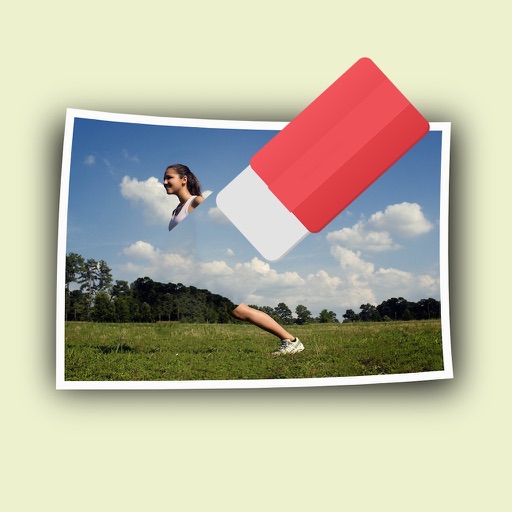
Remove unwanted objects from photos by deleting people, logos, watermarks, or text. Use intelligent fill to replace removed areas with appropriate background textures. Edit images directly in the and save the modified versions.
Edit photos with brightness, saturation, and contrast adjustments. Add text, stickers, and memes. Crop, rotate, and straighten images. Apply effects and frames. Sharpen or blur photos. Import images from the camera roll. Fix red tones.
Edit photos with modern filters and presets. Adjust colors and tones using advanced grading tools. Crop, rotate, and enhance images with precise controls. Export in various formats and share directly.
Create animated from videos, live photos, or continuous shots. Automatically rotate photos. Edit and customize . Share directly with friends or social media platforms.
Edit photos with filters, masking, and color adjustments. Adjust brightness, contrast, and hue. Draw on images with customizable colors. Crop, rotate, and apply blur or focus effects. Export photos to the library.
Edit photos with filters, filter mix, and creative shape effects. Apply mirror and mask tools. Create photos without cropping. Design grids and add funimate effects. Share directly to Instagram.
Take photos with high-resolution settings. Apply 40 free filters, including a popular pink filter. Edit images with color adjustments and effects. Add creative accents to photos. Share edited photos directly from the .
Blur faces automatically using facial recognition. Add blur, solid color, or emoji to hide faces. Resize and reshape blur regions. Adjust color and effects. Share edited images to photo library and other apps.
Remove backgrounds from photos using AI. Create personalized pet portraits and funny avatars. Generate AI-powered videos from images. Upload photos and apply pre-designed templates. Edit and enhance images with filters and effects.
Apply special to photo backgrounds using AI and neural networks. Automatically separate foreground and background objects. Utilize dual camera or TrueDepth features for enhanced background splitting. Adjust and apply directly within the .
Allows users to photos using AI to separate subjects from backgrounds. Apply motion or censor sensitive areas. Adjust intensity and export edited images.
Edit photos by selecting images from the library and using an adjustable brush tool to mark areas for removal. The employs inpainting algorithms to seamlessly eliminate unwanted elements and blend the background.
Edit photos with one-touch filters for vivid, delicious results. Adjust brightness, contrast, and saturation. Add text overlays and stickers. Share edited images directly to social media or blogs.
Capture photos with adjustable aperture and optical
Capture photos with DSLR-like quality using prime lenses and adjustable aperture for natural bokeh. Preview focal lengths before shooting. Fine-tune focus and framing in Apple Photos. Launch quickly from Camera Control or Action button.