The app allows users to create rapidly executed freehand drawings. These drawings can record observations, develop ideas, or demonstrate concepts for later use.
by kim kihyun★ 2.713 ratingsUtilitiesFreeData updated 2026-09-27
The app provides a multi-device collaboration tool for capturing and sharing creative ideas. Users can add notes, arrange them on a canvas, assign colors, and draw to organize thoughts and show relationships between concepts.
View current time in multiple locations on a rotating globe. Use Time Travel to see past or future times. Check time zones for cities and countries. Set alarms for specific locations. Share time details with others.
The app offers a versatile inking tool for drawing, with over 100 color schemes that preserve the drawing's value scale. It facilitates rapid sketching across multiple pages with minimalist design and fluid navigation.
The app allows users to create spiral drawings with colorful gears and rings. Users can import photos, use Apple Pencil, and draw hypotrochoids and epitrochoids.
Draw sketches and notes with intuitive tools. Use built-in templates for wireframing. Access line and dot grids for precise alignment. Shake to clear the canvas. Share drawings directly with teammates.
Learn drawing and painting techniques through step-by-step tutorials. Access art instruction guides for pencil drawing, acrylic painting, watercolors, and more. Follow along with interactive lessons and practice exercises.
Draw and sketch on an expansive canvas with zoom, pan, and scroll controls. Use precise drawing tools and customize brush settings. Save and export artwork in multiple formats. Collaborate in real-time with others.
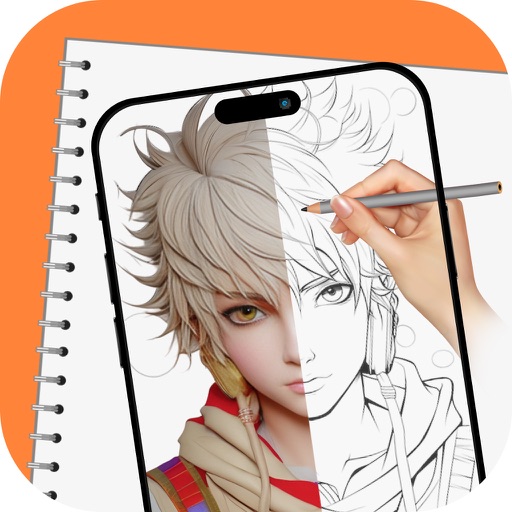
Allows users to create art in augmented reality. Users can select from templates including Anime, Manga, Anatomy, and Fashion Design. Features include painting, sketching, and adjusting colors. Users can export drawings and share them directly.