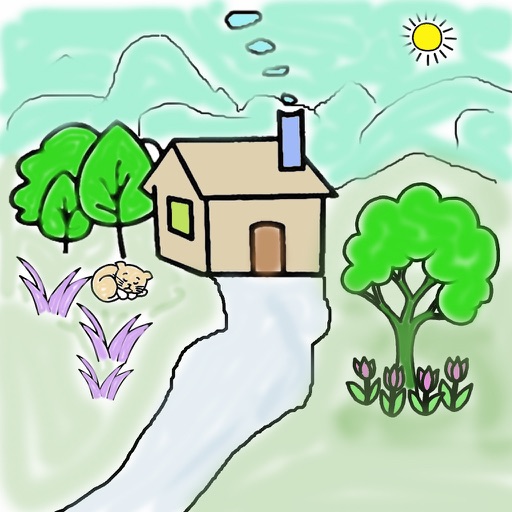
The app offers live-calculated brushes and strokes that interact with a generated canvas texture. Users can adjust parameters like color and size while painting, and stroke size changes based on fingertip contact with the screen.
by Norbyte★ 4.7164 ratingsGraphics & DesignFreeData updated 2026-09-27
Provides a daily blank canvas and prompt for ink drawings. Users have 24 hours to complete each drawing, which is then saved and replaced with a new prompt. Progress is tracked over days and weeks to show improvement over time.
The app provides an experience in collaborative painting. Users can connect with artists through painting on an infinite canvas using an iPad or iPhone.
Convert images into the of selected paintings using AI processing. Select an image from the album or camera, choose a painting , apply the transformation, and save or share the result.
Create vector line art with precise stroke tracking. Export as SVG for use with pen plotters. Support Apple Pencil and touch input. Preserve individual stroke paths without filling. Ideal for technical illustration and machine reproduction.
Children can animals using finger gestures as if with crayons or colored pencils. Features include a magic brush for automatic painting, color mixing, and creative drawing. The includes a format to teach color combination and foster creativity.
The app allows users to apply various effects to pictures using finger-painting techniques. Users can adjust brush properties and image effects, with processing done at original resolution.
Pages allow users to select and apply colors, textures, and gradients to create custom designs. Users can access new content daily or weekly. Recolor existing pages and save progress. Share completed artwork via social media.
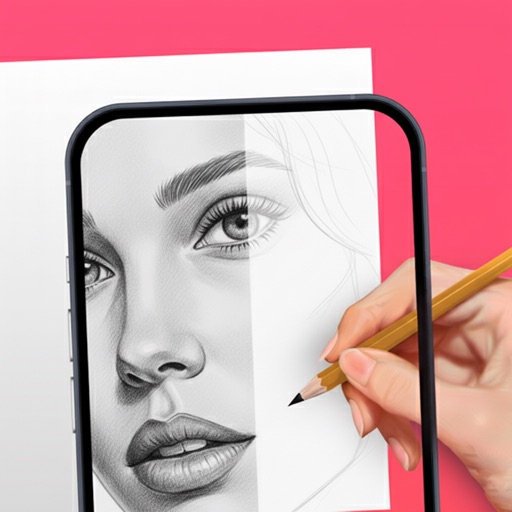
Use camera to and in real-world environments. Apply colors and textures with touch gestures. Adjust brush size and opacity. Save and share drawings directly. Sync with design tools for further editing.