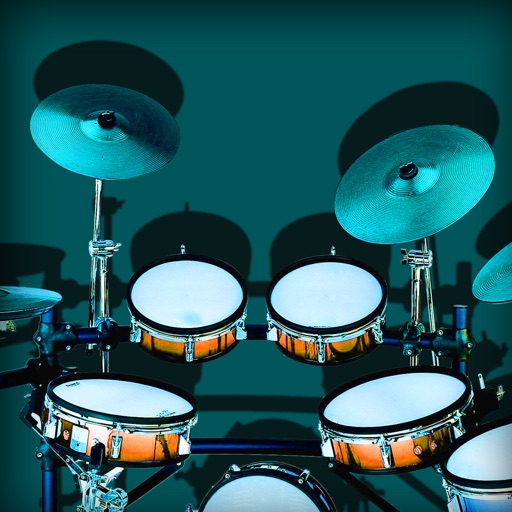
Play drums using professionally sampled kits. Tap pads or use sequencer to create beats. Export recordings as audio files. Sync with Media Library and Apple Music for playback. Remove ads via in- purchase or Pro version.
by Bijoy Thangaraj★ 4.5319 ratingsMusicFreeData updated 2026-09-08
Create and control immersive and for live performances and studio sessions. Adjust parameters to shape tone and texture. Trigger transitions and effects in real time. Sync with audio interfaces for seamless integration.
Play bongos and congas with high-quality sounds and 3D visual effects. Use slide-and-play, pitch control, and metronome features. Access 43 drum sounds and loop options. Sync with iPod for music playback.
Play trumpet sounds by touching or blowing. Adjust pitch using valve pads. Control volume by raising or lowering the bell. Learn scales and songs notation. Jam along personal music or songbook tracks.
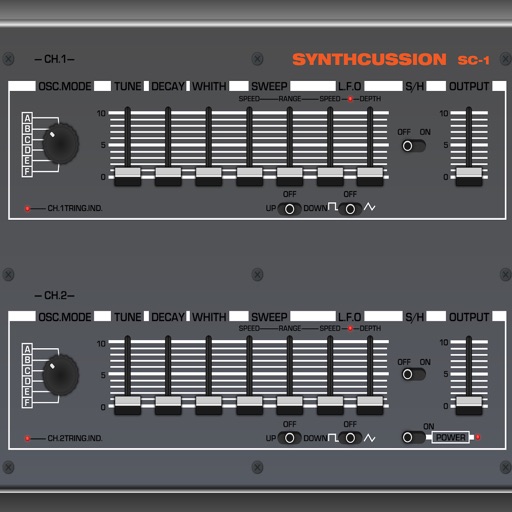
Create custom percussion sounds using a flexible synthesis engine. Design drum patterns with a Euclidean sequencer. Export and integrate sounds into projects. Adjust synthesis parameters for unique effects.
Create and edit music with three virtual analog synthesizers featuring three oscillators, a lowpass filter, and modulation routing. Include a drum machine for rhythm creation. Save and export projects directly from the .
The app provides a portable drum set with four distinct styles: Standard, Hip-Hop, Electro, and Industrial. Users can record their beats and play them back, or play along with songs from their iTunes library.
Create and manipulate sound using a variety of oscillator types including analog, FM, additive, and physical modeling. Adjust waveform shapes, filter settings, and modulation parameters. Play in monophonic or 8-voice polyphonic mode.