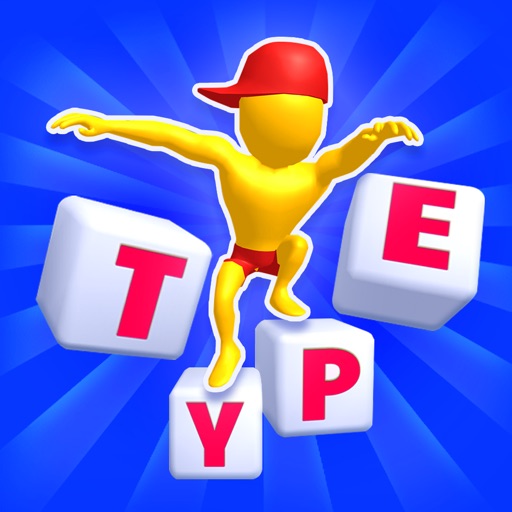
The app teaches touch-typing on a Mac using a new, interactive method. It features 32 levels with an interactive tutor and includes typing games to make learning enjoyable for all ages.
by Foriero s.r.o.★ 0.00 ratingsEducation$14.99Data updated 2026-09-26
Teach touch- with interactive games and exercises. Learn proper finger placement for US/EN QWERTY keyboards. Includes progress tracking and feedback on accuracy. Syncs with Mac systems for seamless use.
Learn to type using interactive lessons and games. Practice on a US/EN QWERTY keyboard. Track progress with skill-based exercises. Complete challenges to earn rewards. Share results with friends. Adjust difficulty levels for different skill stages.
Play Saw to build and shape wooden blocks using various tools. Cut and smash through levels to progress. Customize designs and complete challenges with different saw types.
Play typing games to improve speed and accuracy. Complete missions and levels with increasing difficulty. Solve word puzzles and riddles. Match three items in grid-based games. Find hidden objects to progress.
Create designs, coat objects, experiment with patterns
Create unique designs by spilling color paints on water. Use fingers to adjust patterns and experiment with colors. Submerge 3D objects into the water to apply custom coatings. Save and share created designs.
Use fingers to mix colors from a palette and according to a sample image. Match colors and shapes to earn points. Complete stages to achieve three stars.
Learn touch through interactive lessons that gradually teach keyboard keys. Type to control speed and accuracy, with rewards for correct inputs. Use virtual or Bluetooth keyboard for gameplay.
Take notes quickly by tapping the + button and typing. Save and organize notes in folders. Access notes across devices. Enable ad-free mode with a subscription.
Play by touching and holding the screen to avoid monsters. Prevent from being bitten by keeping them protected. Compete on leaderboards and earn achievements. Control with a single touch.
Play by touching and holding the screen to avoid monsters. Prevent from being bitten by keeping touch active. Participate in daily challenges with new monsters. Track progress via leaderboards and achievements.
Learn touch through interactive lessons that teach keyboard keys progressively. Type to control speed and accuracy, with rewards for correct input. Use virtual or Bluetooth keyboard for gameplay.
Measure and accuracy with custom text inputs. Challenge friends for rankings. Track progress over time. Support ten languages including English, Spanish, and Hindi. Share results and compare scores.
Your Number Skills helps children learn through interactive games. Users can play number-based activities, track progress, and access new content with a subscription.