Create collages by arranging photos and adding editing elements like frames, stickers, and text. Adjust colors and brightness. Export collages in various formats and share via social media or messaging.
Edit photos with cropping, resizing, blending, and beautification tools. Adjust brightness, contrast, and saturation. Add stickers, backgrounds, graffiti, and borders. Create collages with over 500 stickers. Apply filters to montages.
Create photo collages and video slideshows with customizable layouts, colors, and patterns. Add text, filters, and music. Edit photos with object removal, skin softening, and blur effects. Include stickers, outlines, and background adjustments.
Create live wallpapers using free templates and customize with stickers. Take photos with a photo booth featuring fun stickers. Edit images with AI tools and templates. Share creations directly from the .
Edit photos with AI-powered tools like face swap, background removal, and object removal. Enhance image quality with the quality enhancer. Convert images to video. Use the AI agent for generating photos and editing concepts.
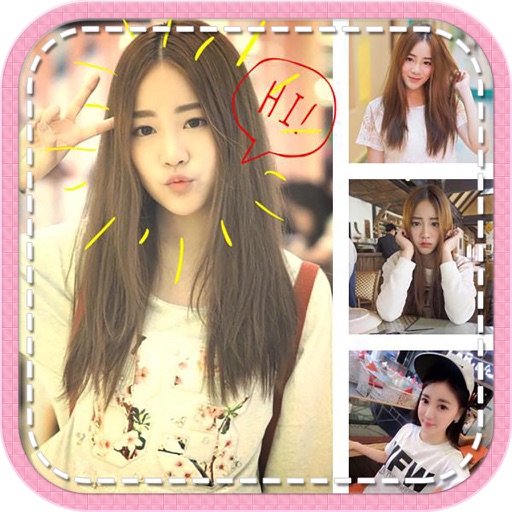
Create collages by combining multiple photos with patterns and grid layouts. Add stickers, text, and cool fonts. Edit photos with cropping and adjustments. Share finished collages directly.
The app offers tools to enhance photos, remove blemishes, and apply various effects. Users can combine photos into collages, add stickers and frames, and adjust image properties like brightness and contrast.
Convert videos, Live Photos, burst shots, still images, and screen recordings into smooth GIFs. Trim and adjust frames for clean animations. Export as GIF or MP4. Share directly from the .
Create aesthetic Instagram carousels, collages, and Reels covers. Design multi-slide posts with aligned elements and preview swipe effects. Customize layouts from minimal to layered. Add text, stickers, and filters.
Create collages with customizable Polaroid, SCRL-style scroll, and grid layouts. Choose from modern, vintage, minimal, and film-style . Adjust colors, borders, and text. Export with transparent backgrounds and share directly.
Create frames by combining multiple photos into cells or frames. Adjust frames, add rounded corners, apply photo effects, and add shadows. Choose from 100 frames and customize colors. Share collages to Instagram, Facebook, Email, and Twitter.