Apps Like Simionic G1000 (PFD) for iPhone and iPad
Monitor flight data and track aircraft systems
Simulate aircraft instrumentation with real-time data display and customizable settings. View altitude, speed, and heading. Connect via Wi-Fi to compatible MFD apps for additional navigation data.
by 晨 李★ 3.5134 ratingsUtilities$9.99Data updated 2026-09-08
Play a simulation game featuring crop cultivation, animal management, and resource gathering. Build and expand your farm, complete daily tasks, and unlock new tools and decorations.
Simulates avionics system interface for training. Allows users to explore features and operational aspects. Supports loading flight plans and practicing pre-flight procedures. Integrates with pilot's guide for enhanced learning.
Simulate milling operations in 2.5D with G and M code support. Edit and run G0 to G95 codes. Use radius compensation G41/G42. View sharp vector graphics and zoom. Access multiple languages. Track tool paths and machine movements.
Receive fake from a clown with realistic call screens. Make and answer to prank friends and family. Simulate incoming without requiring an internet connection.
View and update account information. Recharge accounts and view bills and transaction history. Check usage data and submit complaints directly through the .
Simulate RC plane flights with realistic models and environments. Choose from various aircraft and flying fields. Adjust controls for precise maneuvers. Save and load flight sessions. Access detailed tutorials and in- guidance.
Study for IT certifications with real exam simulations. Access updated practice tests and . Review answers and explanations. Track progress and identify weak areas. Simulate exam conditions for preparation.
Learn to fly with detailed information on aircraft systems, flight maneuvers, and airspace regulations. Access FAA Knowledge Exam questions and study materials. Track progress with practice tests and review sessions.
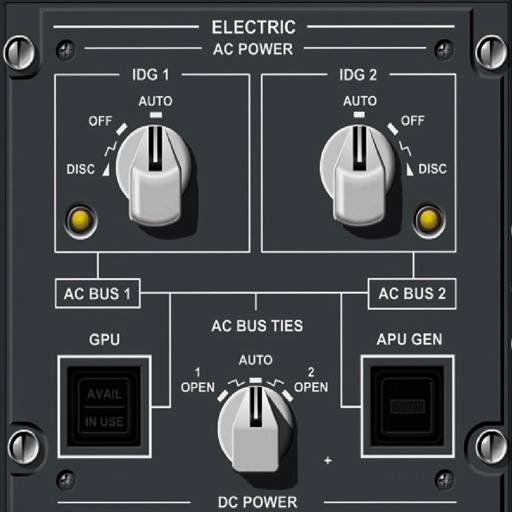
The allows pilots to study aircraft functions. Users can interact with 900 fully functional buttons, view explanations and references. Features include pan and zoom capabilities, detailed button descriptions, limitations search, and definitions.
Track VOR and NDB signals in real time. Practice holding patterns and radial interceptions. Simulate check rides and sim assessments. Adjust needle movements and receive feedback. View flight path and navigation data.
Choose a destination and activate airplane mode to experience peaceful solitude. Navigate virtual skies, customize settings, and explore realistic landscapes during the journey.
Learn and practice IFR procedures with realistic simulations. Navigate using charts and instruments. Practice approaches, holds, and instrument approaches. Track progress and review performance metrics.