Create and customize sounds using color-based waveform editing, filtering, detuning, and vibrato. Adjust pan, volume, space, and noise levels. Program multiple tone colors with intuitive graph controls.
by Hervé Noury★ 0.00 ratingsMusic$4.99Data updated 2026-09-08
Create and customize music using touch controls, motion sensors, and modular effects. Choose from 160 presets or build original sounds. Adjust parameters in real-time and export audio files.
Allows users to create and manipulate multiple independent musical voices. Features include pitch adjustment, temperament control, and multi-touch performance. Users can access additional instruments via in- purchases.
Create and produce dance music with a powerful wavetable sound source. Use intuitive controls to shape sounds, layer effects, and sequence beats. Export tracks in multiple formats and share directly.
Interactive fingering charts for woodwind, brass, fret, and string instruments. Tap valves or keys to play notes. View detailed diagrams for flute, clarinet, guitar, violin, and other instruments. Sync with audio for note recognition.
Set ringtones for phone calls, texts, emails, alarms, and reminders. Choose from a variety of sound effects, classic ringtones, and holiday-themed options. Customize ringtones by adjusting pitch and volume.
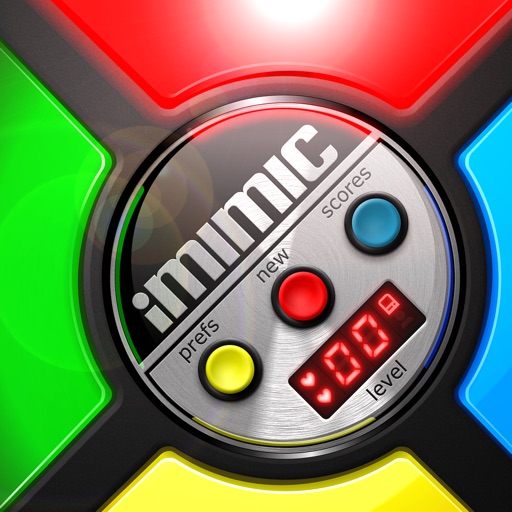
Play a retro-style where you repeat sequences of tones and lights. Tap quickly to match the pattern and score points. Climb leaderboards and collect achievements. Features include fast touch response, retro visuals, and high-resolution graphics.
The app uses acoustical impulses from a microphone to drive sound modules simulating membranes, cymbals, metallophones, or strings. It offers a semi-modular architecture with various synthesis types to create a wide range of tones.
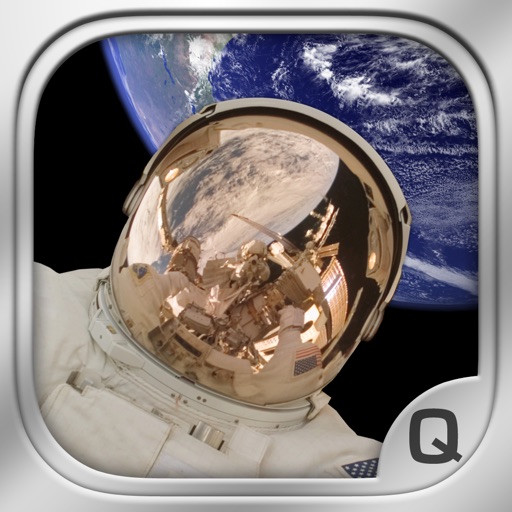
Transform into an communication with real-time audio effects. Switch between ground control and modes. Include Apollo mission videos, Quindar tones, and sound effects like rocket engines and thrusters.
Record and edit audio with waveform visualization. Add effects like high pass filters. Insert recordings from other files. Save and share edited audio files.
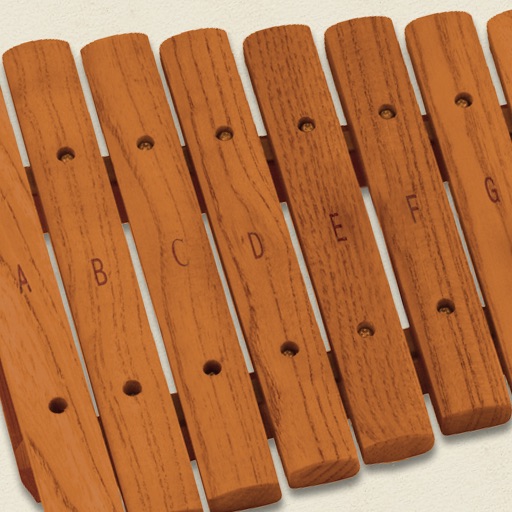
The app simulates a marimba, a percussion instrument with wooden keys arranged like a piano. It produces musical tones when struck with mallets, offering a chromatic layout for performers.
Create music by touching the screen to play notes and adjust sounds. Use multi-touch surfaces like radar, ribbon, or keyboard. Move fingers to modify tones. The semi-generative engine selects suitable notes automatically.
Apply vintage effects to audio tracks. Adjust parameters like time, feedback, and modulation. Choose between analog-style filters and modulation types. Save and load presets. Export processed audio files.