Create and customize coloring pages by merging and matching stickers. Solve puzzles through sorting and color matching. Explore color-by-number and paint-by-number styles with interactive elements. Save and share completed designs.
Coloring pages allow users to animals, flowers, nature scenes, people, places, mandalas, and more. Follow numbered grids to fill in colors. Save progress and share completed artwork.
Create and intricate designs using a variety of stickers and patterns. Solve puzzles by arranging stickers to complete images. Save and share completed artwork. Access different themes and difficulty levels. Track progress and revisit saved projects.
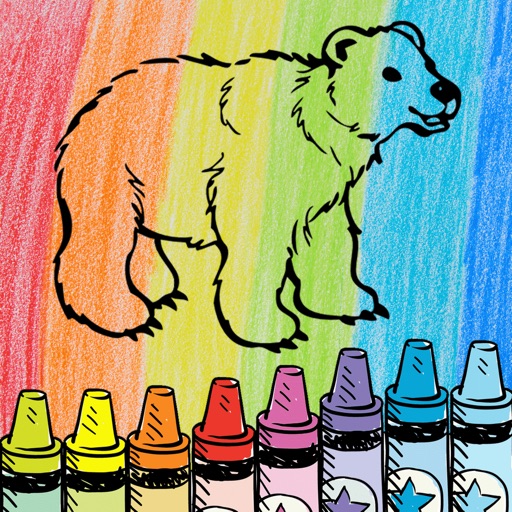
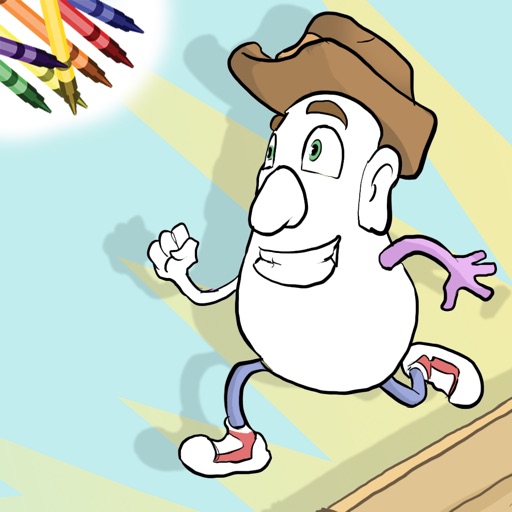
The app offers family-friendly coloring scenes and characters with Retina Display graphics. Users can color ready-made drawings or use photos from their device, with features like color-in-the-lines and a paint bucket tool.
Within outlined areas using a variety of stickers. Customize palettes and save progress. Complete puzzles by matching colors to pre-drawn images. Earn rewards for finishing levels and unlock new sets.
Play FreeCell by arranging cards to build sequences from ace to king in each suit. Move cards between piles, use the free cell space for temporary holds. Customize backgrounds or upload personal images. Tap or drag to interact with cards.
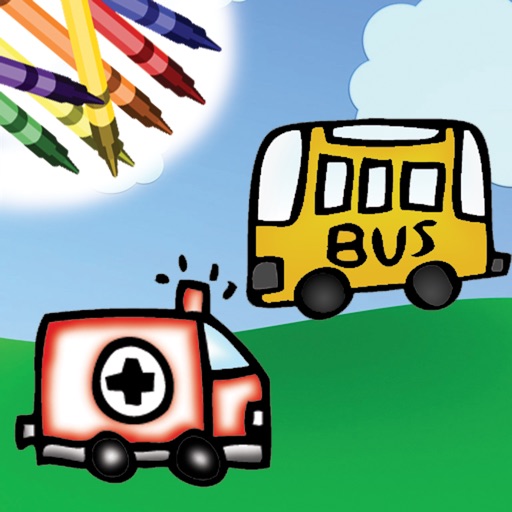
Children can draw and color using 8 different brushes including crayon, pencil, paintbrush, paintball, chalk, sponge, stickers, and stars. They can choose from over 100 pages. The includes fun effects, sounds, and stickers to enhance creativity.
The app offers a coloring book experience with over 100 colors and tons of pages. Users can color in the lines, zoom in and out, and use a paint bucket tool.
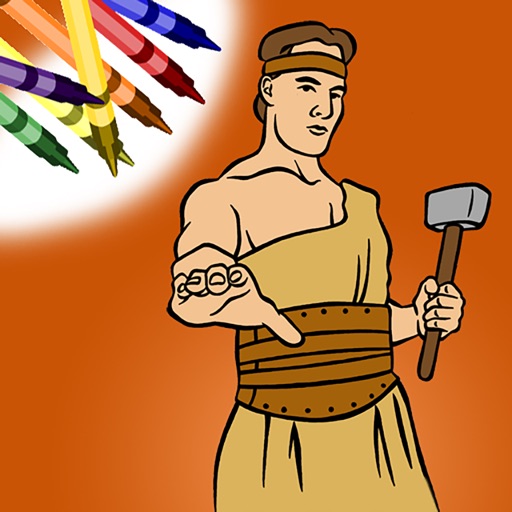
Color within lines using digital crayons. Select colors and tools to fill shapes. Save and share completed drawings. Adjust pressure sensitivity for detailed shading. Access a library of LDS-themed pages.
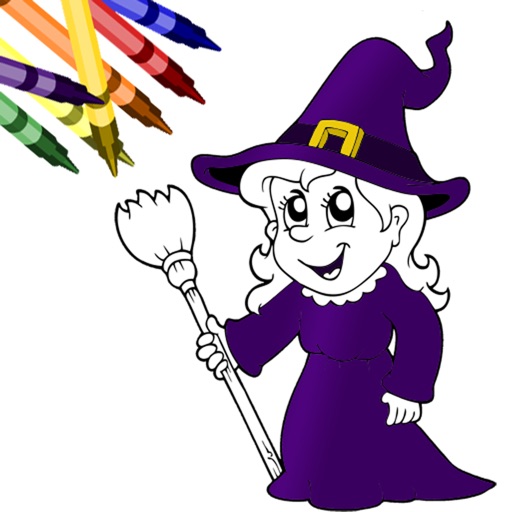
The app allows users to create custom coloring pages by selecting characters and adding various features and stickers. Users can then color their creations using a wide selection of colors and tools, with options to save and share their artwork.
Create digital art by adding colors, stickers, and glitter to a blank canvas. Customize artwork with various tools and effects. Save and share finished pieces. Receive feedback on artistic skill through in-game prompts.
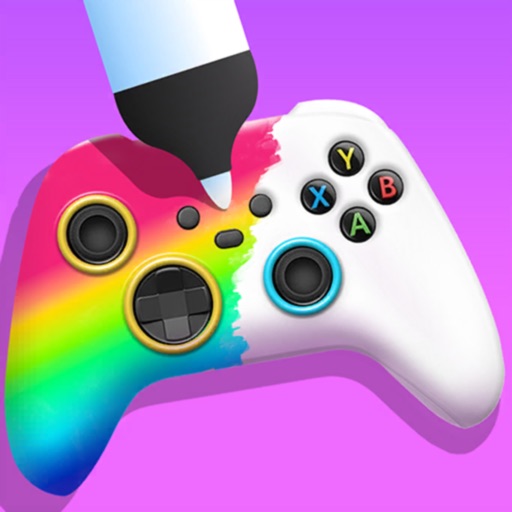
Create custom game controllers by designing art with stencil tools, spray paint, and stickers. Apply color and patterns to joysticks and gamepads. Add decorative elements like marble dipping. Save and share custom designs.
The app offers a coloring book and finger painting experience with over 60 colors. Users can color pages or their own photos, save creations, and share them on social media.
Create art with and drawing tools. Select from animal images like dolphins, bats, and lions. Use brushes and pencils to color. Save and share finished artwork. Features include animated visuals and interactive elements for young children.
Allows users to automatically sync their collection and exchange stickers with others. Users can swipe right to accept or left to decline proposals. They can view available stickers and manage their collection directly within the .
Collect stickers, earn packets, exchange with friends
Collect and trade themed stickers with friends. Earn daily packets to unlock surprise stickers. Organize stickers in an album with interactive story pages. Exchange stickers to complete collections.
Match candies and rainbow drops to clear levels inspired by THE OF . Collect treats and charms for characters like Manolo, Maria, and Joaquin. Explore themed worlds including the Land of the Remembered and the Land of the Living.
Paper in specific sequences to complete levels and reveal images. Unlock random patterns and match them to corresponding positions. Collect and place stickers to unlock additional artwork. Explore hundreds of unique origami designs.