Create and customize grids with adjustable square or custom block sizes. Set canvas dimensions for accurate layout. Position and resize images within the . Adjust properties and view physical measurements. Submit feature requests directly from the .
by Maciej Chrzastek★ 4.318 ratingsPhoto & Video$1.99Data updated 2026-11-04
Create with ready-to-use templates and 500+ frames. Add illustrations, emojis, shapes, and text with 200+ fonts. Resize and position elements freely. Share completed directly to Instagram.
Create projects, add members, and share configurations
Create projects and manage members. Add or remove slides and preview each. Switch background images and clone projects. Share configurations as images or PDFs.
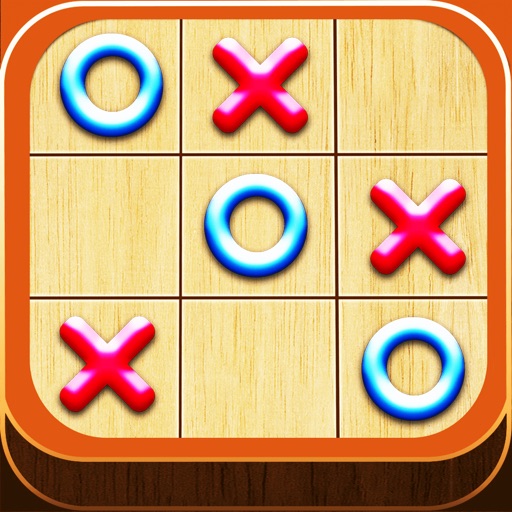
Play a turn-based strategy game on a 3x3 grid. Take turns placing X or O marks. Win by aligning three marks horizontally, vertically, or diagonally. Start with a corner, edge, or center position. Force a draw or win from any opening move.
The app allows users to draw and design with various line weights, colors, and types. It includes tools for adding text, different paper grids, and saving or exporting drawings as pictures or PDFs.
The app combines team chat, video conferencing, screen sharing, task management, and document collaboration in one workspace. It allows teams to coordinate campaigns, plan events, and organize product development.
Allows users to resize photos to dimensions. It offers basic editing tools such as cropping, adjusting brightness, and adding text. Users can generate images for social media sharing and export edited photos directly.
The app provides freehand drawing tools that maintain a measurable scale. It offers drawing layers, a grid, and a straight edge tool for precise lines.