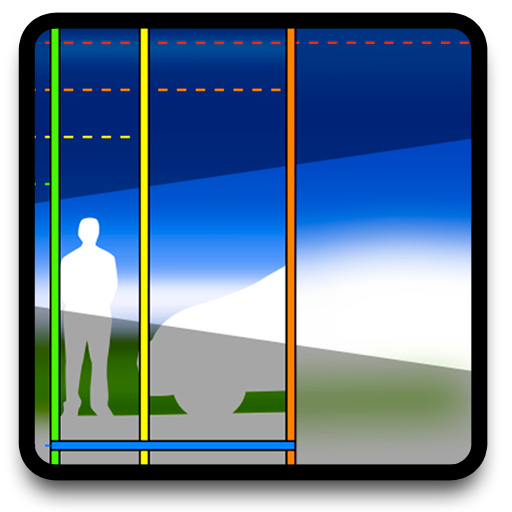
Learn about photographic lenses through interactive simulations. Adjust aperture, focal length, and focus distance to visualize their effects. Calculate depth of field and view real-time changes.
by Alf Jorgen Bratane★ 2.97 ratingsPhoto & VideoFreeData updated 2026-09-08
Calculate depth of field, field of view, and focal length for any camera and . Determine aperture settings for different formats. Compare sensor sizes and check coverage. Input camera and details to get precise photographic calculations.
The app visually represents depth of field and angle of view through interactive graphics, a map, and augmented reality. Users can input object distance and adjust aperture and focal length to understand photographic parameters.
The app offers tools for digital and analog photography, including calculators for sensor sharpness, depth of field, print resolution, bokeh size, and flash exposure. It helps users understand photographic concepts with built-in help and a glossary.
Displays depth of field in a format based on selected camera and lens. Shows achievable focus ranges without unnecessary details. Allows users to compare depth of field values for different lens models.
Capture photos with light-field technology for DSLR-like quality. Adjust focus and aperture post-shoot. Create 3D lighting effects. Edit bokeh and make unlimited adjustments. Sync with other devices for seamless workflow.
RAY INFORMATICS YAZILIM TEKNOLOJI MEDYA DANISMANLIK VE EGITIM TICARET LIMITED SIRKETI
Edit portraits with AI precision
Edit portraits with AI-powered depth control and background blur. Adjust aperture, bokeh, and focal length for realistic DSLR effects. Capture cinematic shots with intuitive controls. Sync with Apple Health for fitness tracking.
The app graphically illustrates depth of field and field of view for SLR cameras and lenses. Users can explore aperture, focal length, and focal distance in real time to understand how depth of field works.
Calculate depth of field and hyperfocal distance for photography. Input distance, aperture, and focal length to determine focus settings. Customize camera models and lens lists for accurate calculations. Share results and export data for reference.
Explore professional data with detailed specifications including max aperture, mounts, weight, and image circle coverage. Overlay image circles on camera sensors for accurate coverage.
Capture photos with signature color and style. Adjust exposure, focus, and white balance manually. Select from multiple film simulation modes. Edit images with basic tools. Share photos directly from the .
Adjust camera settings with sliders for distance, aperture, and lens. Instantly view calculations for exposure. Choose between metric or imperial units. Edit photos with basic tools. Share images directly from the .
Turn your phone into a DSLR with computational photography and AI. Capture 4K Ultra HD videos and photos. Use large aperture for bokeh effects. Switch between and standard modes. Edit and share directly from the .
Calculate depth of field for different shooting distances and focal lengths. Input camera model and lens specifications for accurate results. Adjust settings to optimize focus and sharpness for portraits, landscapes, and close-ups.
Create portraits with vintage photographic effects. Apply four styles including B&W, color, high contrast, and sepia. Adjust eye intensity, grain, and depth-of-field. Supports portrait mode for enhanced background blur.
The app graphically illustrates depth of field and field of view for SLR cameras and lenses. It allows users to explore aperture, focal length, and focal distance with real-time controls and configurable information overlays.
Design lenses, simulate optics, control components
Model 2D lenses and mirrors with precise control over shape and placement. Design aspheric surfaces and perform geometric ray tracing. Conduct sequential and non-sequential analysis. Calculate front and back focal lengths and principal surfaces.
Select focal lengths from 24mm to 400mm with a swipe. Preview framing for each lens to see what fits within the shot. Adjust settings to visualize composition before capturing.
Search and compare cinematic lenses with specifications like focal length, T-stop, and close focus. Filter by manufacturer, type, and usage. Access details on rehoused, rebranded, and historical lenses.