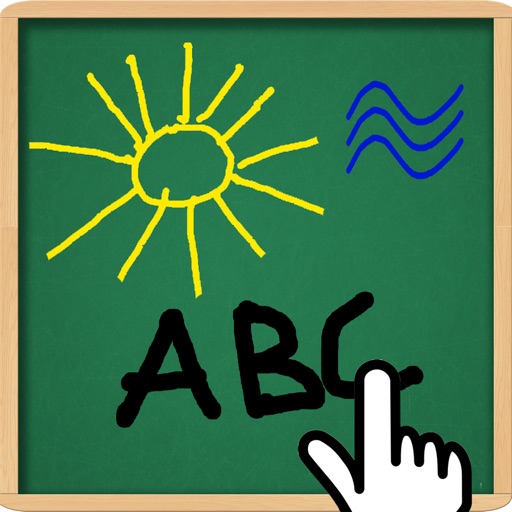
The app allows children to draw on background images and then remove the background. It functions as an electronic whiteboard and can connect to a projector for enlarged viewing.
by Rene Christensen★ 0.00 ratingsEntertainment$0.99Data updated 2026-11-06
Draw dots by pressing one finger, adjusting size based on press duration. Create lines and shapes with multiple fingers. Manipulate polygons by moving vertices. Export drawings in various formats. Share creations directly.
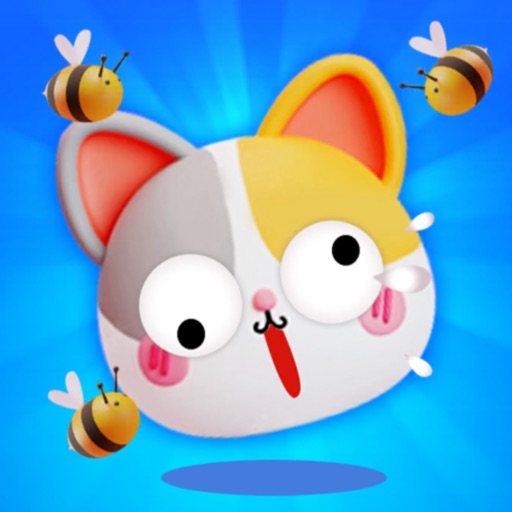
Create walls by drawing lines to protect a cat from bees. Adjust line thickness and color. Tap to remove walls. Complete levels by guiding the cat to safety. Track progress through multiple stages.
Create daily journals with customizable stickers, backgrounds, and fonts. Add photos and notes to document life moments. Sync across devices and view entries on iPad with enhanced display.
The app offers police car hill racing with multiple levels and simple touch controls. Players accelerate downhill and release uphill to launch the car.
The app presents a classic word guessing game with doodle-style graphics and varied animations. All puzzles from the paid version are now available in the free version, with ads included on game screens.
The app allows users to draw and write on their iPad, functioning as a notepad or blackboard. Users can add typed text, choose background colors, and save or share their creations via email or social media.
Edit photos by adding customizable styles to faces. Select from various hairstyles, edit details, draw, and add stickers. Share modified images directly. Apply filters and adjust settings for enhanced visuals.