Apps Like Hands-On Math Line Design for iPhone and iPad
Explore geometry through interactive design.
The app provides an interactive environment for exploring geometry concepts. Students use mathematical thinking to create designs, discovering how straight lines form curves.
by Ventura Educational Systems★ 5.01 ratingsEducation$2.99Data updated 2026-09-26
The app simulates a virtual geoboard for exploring geometry concepts. Students draw shapes on a pegboard, receiving feedback on length, perimeter, and area.
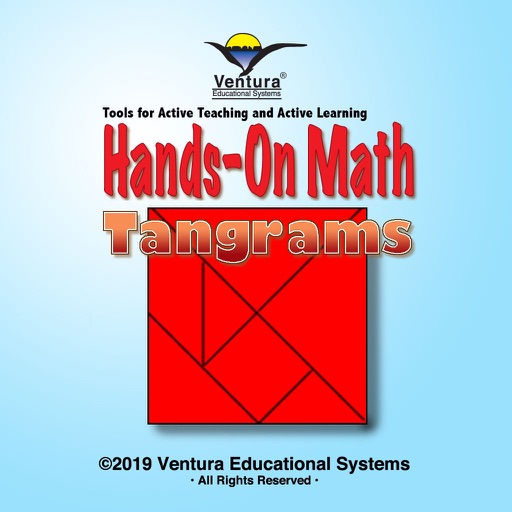
The app provides a virtual playground for students to explore mathematical concepts using the classic 7-piece tangram. Students can investigate shapes, fractions, angles, and patterns through open-ended play and problem-solving activities.
Create and manipulate geometric shapes such as points, lines, angles, and conic sections. Adjust properties and calculate metrics. Display shapes on a zoomable coordinate system. Construct medians, altitudes, and bisectors.
The app provides an interactive environment for exploring geometric shapes and their properties. Students use virtual pattern blocks to complete activities, fostering an intuitive understanding of geometry concepts.
This app offers an interactive environment for learning mathematical concepts like set theory, geometry, and logic. Students solve problems using mathematical thinking skills and interactive challenges relevant to the elementary curriculum.
Allows users to take photos of math problems and receive step-by-step solutions. It can plot graphs of equations. Users can chat with an AI tutor for homework and assignment .
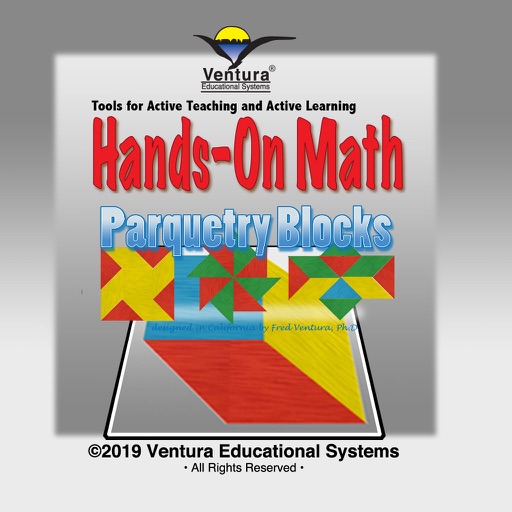
The app provides a virtual playground with colored blocks for students to explore mathematical concepts. Students can discover patterns, sequences, geometry, fractions, angles, and shapes through interactive activities.
Calculate dimensions and properties of 2D and 3D shapes. Input measurements to determine area, volume, surface area, and perimeter. View interactive 3D models of solids like cube, sphere, and cylinder. Switch between 2D and 3D views for each shape.
The app allows users to create geometric shapes and explore their properties. It includes tools for drawing, annotation, and transformations, with automatic metric calculations and snapping features.
The app provides step-by-step geometry solutions that update as users change graphics. It includes interactive definitions, transformations, and constructions for learning.
Solve problems by taking photos of typed or handwritten equations. Receive step-by-step solutions with explanations. Check homework and study for exams. Access 24/7 assistance.
Play a that challenges your problem-solving skills. Connect blocks with a single line to complete puzzles. Access free hints for difficult levels. Choose from four difficulty settings.
Study flashcards with customizable questions and answers. Review progress with statistics and spaced repetition. Create and share flashcards with classmates. Solve math problems with step-by-step explanations.
Allows users to perform complex calculations with a natural display that shows expressions as written. It supports fractions, roots, and exponents. The includes a graphing module for visualizing equations.
Teaches - math, language, science, STEM, reading, and critical thinking through 21 educational . Includes curriculum-based lessons and interactive activities for children aged 7-10.