The app provides over 40 stickers and 20 backgrounds for users to place and resize. Users can clear the page by shaking the device, save creations to the gallery, or email them.
by Peep Software LLC★ 4.84 ratingsGamesFreeData updated 2026-09-26
Use animated stickers to enhance iMessage conversations. Include 72 unique high-quality stickers. Add 24 free stickers for full access. Share emotions and reactions through expressive animations.
The app allows users to select foreground images from various sources and erase backgrounds. Users can then add background images, text with over 100 font styles, and over 1000 stickers to create edited photos.
Use stickers featuring Japanese characters from the " " game. Search for " " in the Store. Add stickers to messages. Customize packs. Share stickers with contacts.
Stickers allow users to send animated stickers via iMessage. Stickers include characters and scenes from the story. Users can install the sticker pack through iMessage settings. Stickers appear in the iMessage tray after installation.
Send animated to iMessage conversations. Place on messages or photos. Scale and rotate . Access recently used iMessage apps from the Store icon. Share directly within chats.
Send and receive animated stickers in iMessage. Choose from 96 unique high-quality stickers. Includes 16 free stickers. Purchase to unlock all. Add emojis and text to messages. Share stickers with friends. Customize sticker size and position.
Edit photos by adding , stickers, and text. Create collages and cards with customizable designs. Upload images from the gallery or take new photos. Choose from pre-designed and stickers. Add notes and messages to photos.
Use animated stickers to enhance iMessage conversations. Include 64 high-quality animated stickers. Add 20 free stickers with purchase. Share emotions through expressive animations.
The app offers a new interface and functions, including daily updated sticker packs. Users can create their own stickers, erase backgrounds from photos, and type messages in different font styles.
Use Stickers to enhance messages and conversations. Place stickers on message bubbles or anywhere in chats. Stick them on images. Customize size and background. Unlock all stickers with an in- purchase.
Add to using the camera or photo gallery. Select and position with a finger. Adjust photo size by pinching or spreading fingers. Crop by moving the image manually. Share edited directly.
Add visual flair to messages with dynamic featuring surgical themes. Choose from a variety of expressive animations and icons. Share directly in chats and social media apps.
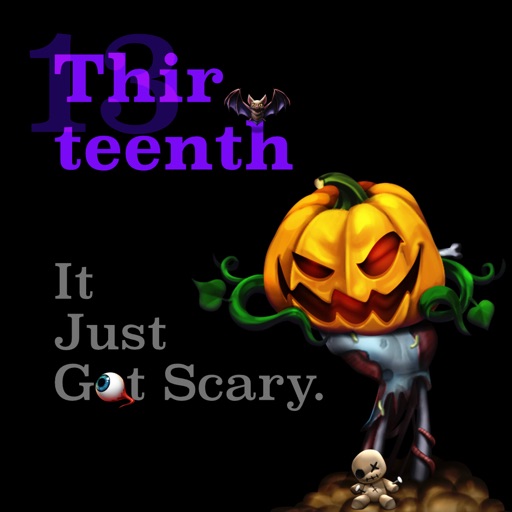
Create and share messages with animated stickers. Choose from a collection of scary-themed stickers to add visual effects. Customize stories with multiple sticker options and send through messaging apps.
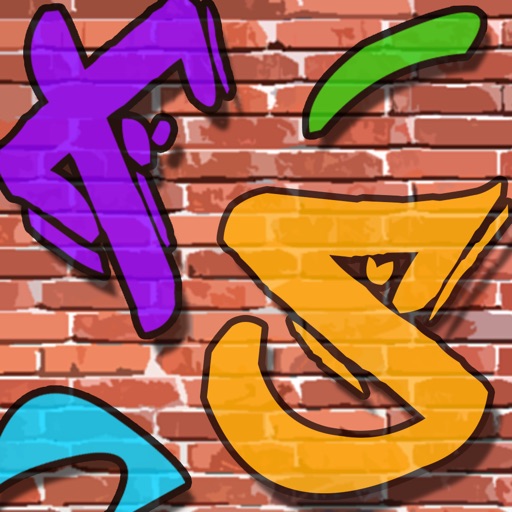
Create graffiti art using realistic cans in various colors and sizes. Choose colors and sizes to paint on a virtual wall. Delete or undo drawings. Share artwork with friends.