Play with touch keyboard. Create and save music compositions. Mix tracks and share files via social media or messaging. Export in audio format. Adjust tempo and volume settings.
by Appcano LLC★ 4.4631 ratingsMusicFreeData updated 2026-09-08
Play a virtual accordion with realistic sound and touch controls. Create custom music tracks. Share performances via social media. Compete in online challenges. Adjust settings for sound quality and instrument customization.
Create and edit progressions with inversions, sus2, sus4, 7th, and 9th chords. Play chords as piano or synth or send MIDI to macOS. Use phone as MIDI keyboard for macOS. Practice reading musical notation.
The app helps users learn and practice music notes effectively on an iPad. It offers a full keyboard range and multiple game and teaching modes for piano students and teachers.
Create custom songs and remixes using AI. Choose from Rock, Pop, Jazz, Country, House, and Reggae genres. Adjust tempo, add effects, and mix tracks. Export audio files and share directly.
Create and edit MIDI sequences with step sequencing. Control tempo, patterns, and effects. Transpose, manipulate, and mutate patterns. Trigger performance options via MIDI keyboard. Export and share MIDI files.
Can play with and tap colorful keys to hear sound effects. Choose between two playing modes. Play favorite songs or listen to nursery rhymes. Full-screen keyboard allows interactive music exploration.
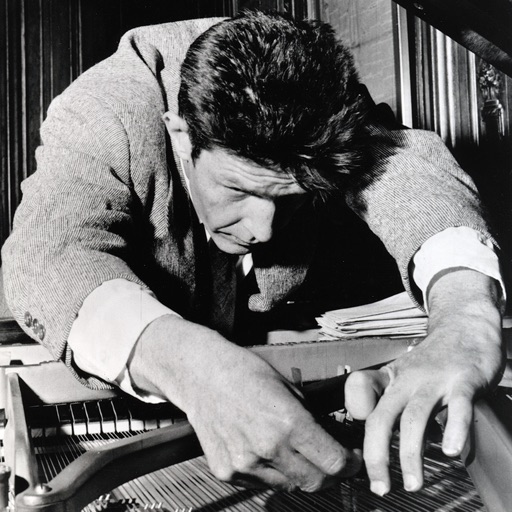
The app allows users to play the sounds of a prepared piano on their iPad. It features meticulously sampled sounds from a piano prepared with materials used by John Cage for his Sonatas and Interludes.
TunerMetro provides a for precise instrument tuning with ±0.001 semitone accuracy. It includes a with adjustable tempo and tap-to-start functionality. The features a spectrum analyzer for visual feedback during practice.
Learn chords and scales through interactive 3D lessons. View real-time finger placement and arm movements. Practice with built-in metronome and play along with backing tracks. Track progress and adjust lesson difficulty. Share performance recordings.
Explore musical scales and tunings through interactive soundscapes. Adjust pitch and harmony by touching and manipulating virtual instruments. Discover new tonal structures without prior music theory knowledge.
Play sounds with on-screen keys. Learn number and letter sounds through interactive games. Explore musical notes and basic rhythms. Share progress with parents via in- notifications. Sync with smart devices for remote control.
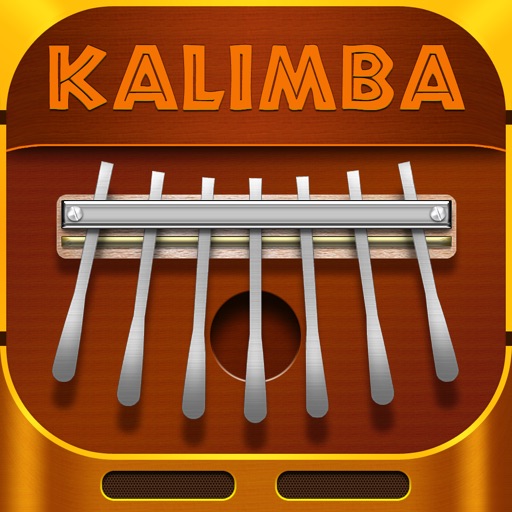
Play melodies on a virtual Kalimba with 7 prongs. Press or strum multiple prongs simultaneously. Change tuning between C Major and G Major. Export recordings and share directly.