Edit photos by flipping or mirroring with a finger swipe. Resize images using the same gesture. Create mirrored copies next to original photos. Save and share edited images directly.
by Hor-Lin Khai★ 4.7544 ratingsPhoto & VideoFreeData updated 2026-09-08
Edit photos and videos with AI-powered tools for tasks like object removal, background blur, and text addition. Adjust colors, crop, and apply filters. Share edited content directly or export in various formats.
The app adds reflections to photos and videos, simulating them on a mirrored surface in 3D. Users can customize reflection parameters like width, offset, alpha, and depth, and export creations as transparent PNGs.
Create 3D drawings using finger gestures without glasses. Design custom 3D brushes. Choose from 8 background patterns or generate them from photos. Adjust brush settings based on pressure for 3D Touch devices.
Edit images with AI-powered tools for color correction, object removal, and style transfer. Generate new images using latest AI models. Save and share edited photos directly.
The app adds bokeh effects to photos with various shapes and colors. Users can edit, undo, redo, reset, and share their creations to social media platforms.
Edit photos by converting them into -style avatars using AI technology. Adjust facial features and style settings. Save and share edited images in various formats.
Add to using the camera or photo gallery. Select and position with a finger. Adjust photo size by pinching or spreading fingers. Crop by moving the image manually. Share edited directly.
Edit photos or by selecting from a gallery and applying a frame. Choose background music or a song. Adjust position, scale, and rotation with touch gestures. View and share the edited content with friends or social media.
Convert images to PDF with high quality. Resize, compress, and adjust settings. Save and share converted files directly. Support multiple formats and batch processing.
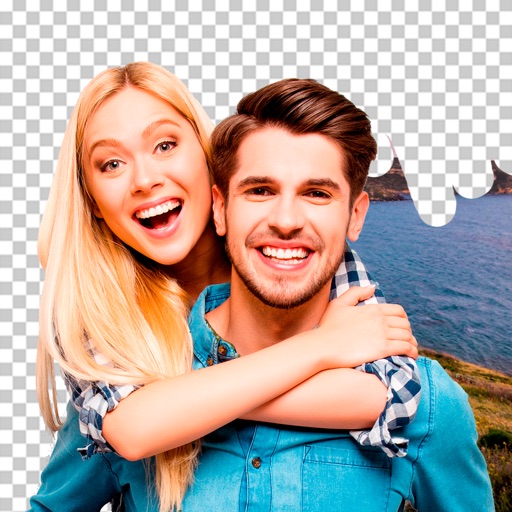
Edit photos by removing objects and changing backgrounds. elements to create montages. Adjust transparency and replace backgrounds. Save and share edited images directly.