Edit photos by flipping or mirroring with a finger swipe. Resize images using the same gesture. Create mirrored copies next to original photos. Save and share edited images directly.
by Hor-Lin Khai★ 4.7544 ratingsPhoto & VideoFreeData updated 2026-09-08
Edit photos and videos with transitions, special effects, text animations, and filters. Sync content to trending music. Use pre-made templates. Share directly to TikTok, Instagram, Snapchat, and YouTube.
Resize photos and videos with custom dimensions, aspect ratios, and percentages. Adjust brightness, contrast, and color profiles. Apply 100+ templates for social media or anamorphic output. process multiple files.
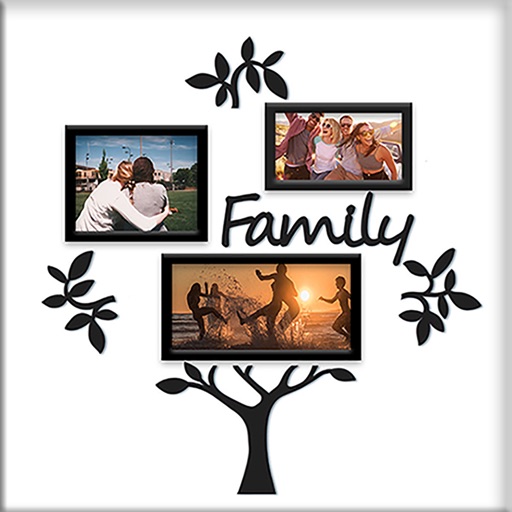
Create collages by combining photos into -shaped frames. Apply filters and adjust colors. Share collages directly or save in various formats. Organize memories in a single album.
Edit photos with one-tap auto enhance and apply hundreds of filters and . Add stickers, frames, and text. Adjust brightness, contrast, color temperature, and saturation. Crop, rotate, and straighten images. Sharpen or blur details.
Resize and adjust photos and videos with cropping, rotating, flipping, and position changes. Apply social media size presets, presets, and ratio presets. Add text to images and videos for messaging or captions.
Apply filters to images using neural networks to generate original artwork. Select an image, adjust composition, and choose from available styles. Export edited images in various formats and share directly.
Attach speech balloons to photos with intuitive steps. Add text captions or logos without frames. Include hand-drawn elements. Edit and share modified images directly.
Edit photos by adding hats, wigs, shades, costumes, and accessories. Choose from 350+ free and 480+ premium objects. Adjust elements with intuitive tools. Save and share edited images directly.
Convert videos or photos to GIF and vice versa. Edit GIFs by adjusting frame speed, resizing, cropping, and applying transformations. Export in high quality without watermarks.
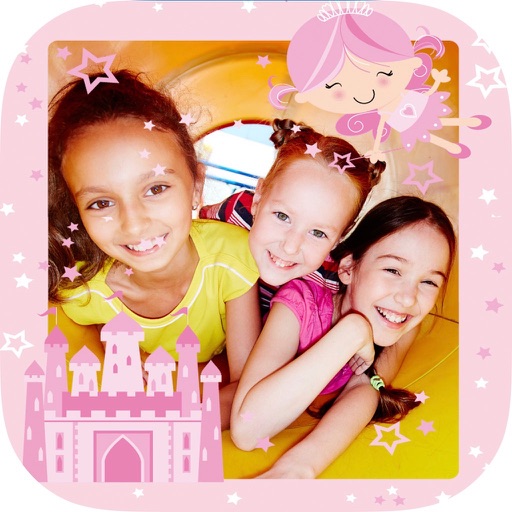
Create collages with and fairy tale . Add stickers, text, and notes to personalize photos. Edit images with filters and adjustments. Save and share decorated photos directly.
Resize images by custom dimensions with aspect ratio lock. Crop using freeform or preset ratios. Compress files to reduce size without quality loss. Convert to JPG, PNG, HEIC, or WEBP formats. Rotate and flip images with quick options.
Create square frames using images from your photo library. Add multiple images to a frame. Change . Rotate, resize, and reposition images. Preview the final image. Save the completed image to your photo library.
Split photos into 2 to 9 sections without quality loss. Preview swipeable panoramas before posting. Share split images directly to using the "Select Multiple" feature.
Edit and enhance grayscale photos with 20 predefined presets and custom adjustments. Apply vignette effects and modify color channels. Save personalized presets. View and share monochrome images directly.
Edit photos with skin smoothing and whitening features. Adjust enhancement levels from 1 to 8. Apply 12 unique filters for enhanced selfies. Add makeup tools for detailed facial enhancements. Save and share edited images directly.
Fry the last frame of videos to upload to TikTok. Edit memes by frying images or GIFs from the photo library or Gfycat. Share finished memes to camera roll or via iMessage as stickers. Open created memes in TikTok and Snapchat.
Organize photos by swiping to delete or move them. Edit images with AI enhancements, brightness, contrast, and filters. Remove unwanted elements with smart cropping. Share edited photos directly or save in various formats.
Apply to images and adjust positioning. Resize, rotate, and move photos freely. Save edited images directly to the gallery. No internet connection is required. Offers multiple frame options for creative customization.