The app allows users to create collages using public domain images from LACMA's collection and the "In Wonderland" exhibition. Users can also incorporate photographs from their device's camera and camera roll into their creations.
by jody zellen★ 3.68 ratingsEntertainmentFreeData updated 2026-09-25
Play with customizable avatars and unlock special abilities. Navigate through diverse environments with physics-based flight mechanics. Compete in timed challenges and collect power-ups. Unlock new tracks and themes through progression.
Use phone camera to project anime-style templates onto paper or surfaces. Trace outlines to create art. Adjust lines and colors. Export drawings in various formats. Sync with digital tools for further editing.
The app transforms photos into surreal art with 15 animated effects like comic-book ink, VHS, and glitch. Users can import photos or use the camera to capture images and apply real-time, on-device rendering.
Create geometric art by rotating, spinning, and zooming the . Capture and save images or record video loops. Share creations directly or save to device.
Create collages using photos and apply visual effects. Customize artwork and layouts. Share creations on social media platforms like Instagram, Facebook, and Twitter. Edit photos with filters and adjustments. Add text and stickers to images.
Create flipped collages by selecting images from the library and applying predefined styles. Share collages directly to social media with one tap. Update the for improved performance and enhanced user experience.
Create animation with filters, changer effects, and 8 animation styles including cartoon, , and pop art. Apply effects live from camera or photo library. Share on Instagram, Snapchat, or Facebook.
Browse artworks on an interactive map and in detailed lists. Follow guided walking and cycling routes to explore art hotspots. Like and collect artworks in personal galleries. Mark pieces as seen to track viewing history.
Create collages by adding photos and selecting aspect ratios. Choose landscape or portrait orientation. Add text to the collage. Shuffle for new layouts. Adjust design elements for customized results.
View augmented reality art layers linked to physical artworks. Point your phone at compatible pieces to activate interactive content. Explore additional details, animations, and artist notes through the .
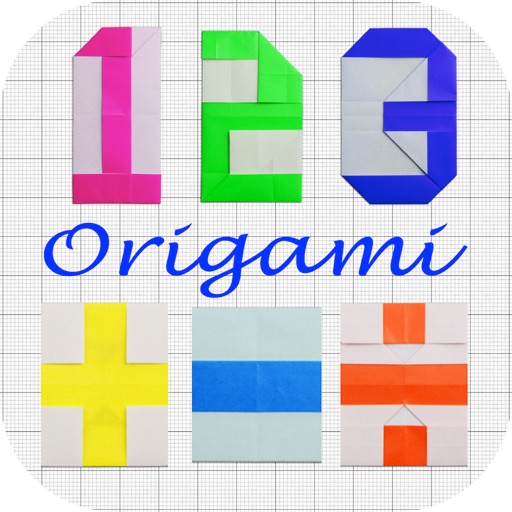
The app teaches users origami, the Japanese art of paper folding. Users can create numbers with paper to spell words, which helps children increase vocabularies and develop hand coordination.