The app transforms digital photos with toy camera effects, cross-processing, light leaks, and film grain for an authentic analog-style look. It includes a POLYGON GIF feature.
by Eiji Nishidai★ 3.73 ratingsPhoto & Video$0.99Data updated 2026-09-25
Edit photos with color filters, adjustment tools, and customization options. Apply creative color grading. Export edited images in various formats. Share photos using the #digitalfilmapp hashtag.
Edit photos with filters, presets, and effects. Add text and stickers. Explore curated locations and maps for photography. Share edited content directly. Sync with social media platforms.
Create and publish crypto art using +. Add text effects and fonts. Import images from gallery or use 5000+ assets. Edit with filters and draw with brush tools. Save NFT as image, video, or GIF. Publish to blockchain for sale.
Create and style photos with single tap effects. Apply 8 filters including , Cartoon, and Dots. Share images to social media or save to photo library. Print photos directly.
Apply vintage filters and presets to enhance photos. Adjust brightness, contrast, and saturation. Add film grain and color tones. Save and share edited images directly.
Edit photos with smart foreground recognition to isolate subjects. Add customizable with options for font style, size, color, opacity, alignment, spacing, shadow effects, and background colors. Crop images using an easy-to-use tool.
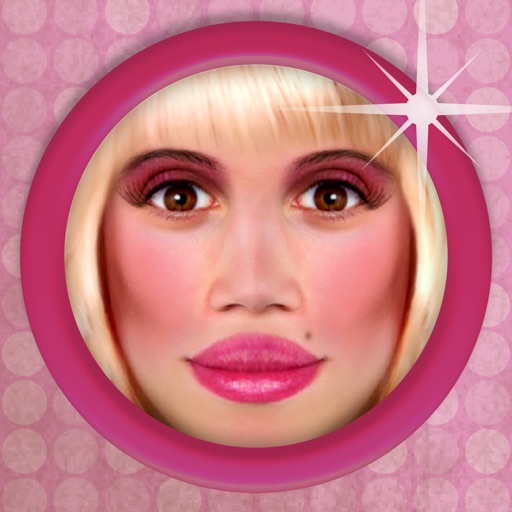
The app allows users to transform photos to see how they would look with a 'bimbo' effect. Users can apply makeup, plump lips, and change facial features.
Capture photos with a vintage aesthetic. Apply pre-designed effects to mimic real tones. Use a simple interface to take instant photos without editing. Share finished images directly from the .
The app offers photo editing tools including insta square, color splash, and collage maker. Users can create unique photos with various filters, effects, and text options.
Learn about film photography principles, including camera types like Instants and Point-and-Shoot. Explore film camera mechanics, develop processes, and understand exposure settings.
Turn photos into cartoons with AI-powered filters. Add toon backgrounds and layouts. Edit self-portraits with effects. Share edited images on social media platforms. Apply digital art filters and create anime-style avatars.
Edit photos with filters, collages, and stamps. Add text and stickers. Save to albums. Share directly to blogs and social media. Apply toy camera effects. Adjust brightness and contrast. Crop and resize images.