The app allows users to set up their home network from their phone. Users can get their QRS Mobile-enabled router running by following simple instructions.
by D-Link Corporation★ 2.441 ratingsUtilitiesFreeData updated 2026-09-25
Access websites anonymously and browse without ads
Access websites anonymously and browse without ads. Encrypt internet traffic to protect data on public WiFi. online banking and social media activity. Connect to servers in multiple locations. Manage privacy settings and block tracking.
Optimize WiFi performance by identifying optimal router placement and channels. Test Ping for gaming. Display connected devices and nearby networks. Detect IP addresses and network issues. Provide interference reduction tips.
Securely connect to any computer worldwide using RDP or VNC protocols. Access remote desktops with Fluid Remote protocol for high performance. Set up quickly and reliably. Control remote machines with mouse and keyboard input.
Monitor temperatures in real time using cloud-connected updates. View data remotely via a wireless network. Attach up to six external probes for accurate readings. Integrate with Yoder Smokers S-Series pellet smokers. Set up and install quickly.
Manage internet and TV services by booking new connections, paying bills, and tracking usage. Raise and track support tickets or chat with agents. Access bundled OTT services and view bill trends.
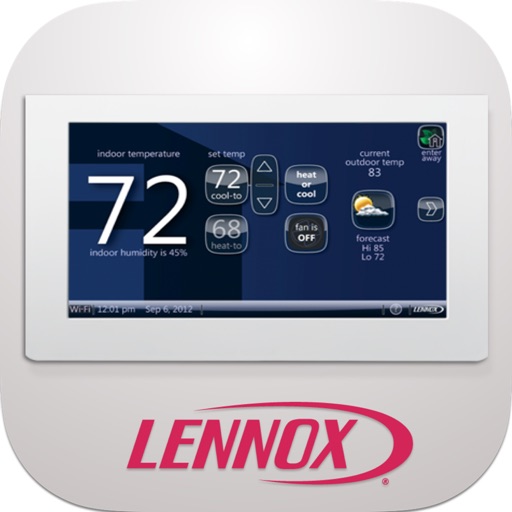
Adjust home temperature remotely using intuitive dials. Set and adjust thermostat settings from anywhere. Receive notifications about temperature changes. View energy usage reports. Schedule temperature adjustments for specific times.
Access local network resources and internet via SSL VPN. Connect securely with fast speeds. Manage firewall bypass settings. Monitor connection status and adjust security protocols.
The app provides a graphical overview of the Wi-Fi network and connected devices. It allows users to view and change network and Wi-Fi settings, restart base stations, and update firmware.
Smart TVs and streaming devices with a phone . Select devices like Roku, Amazon Fire TV, Samsung, and LG. Adjust volume, change channels, and navigate menus. Pair with Wi-Fi or Bluetooth. Manage multiple devices from one interface.
The app allows users to adjust their home's temperature remotely using an iPhone, iPad, or iPod Touch. Users can change heating or cooling settings, select programs, and activate an energy-saving away mode from any location.
The app allows operation of compatible Sony receivers and connected components. Users can control receivers by connecting them to a network and the same network as the device running the application.
Turn your iPhone or iPad into a trackpad and for Mac or PC. Use multi-touch gestures for precise control and scrolling. Access a full-screen with text shortcuts, emoji, and function keys.
Create and customize QR codes with adjustable colors, shapes, and logos. Set destinations and manage codes through shareable links. Track scans and view analytics on content engagement.
Control TV with functions, mouse, and keyboard. Automatically reconnect to previously paired devices. Share photos from phone to TV screen. Requires same Wi-Fi network connection.
Decode QR codes and barcodes for quick access to coupons and links. Create and share QR codes to open URLs, connect to WiFi, add events, and exchange contacts. Compatible with all network systems and mobile devices.
Monitor network status and device information. Clean storage with phone and tablet . Block Safari ads. View battery and charging animations. Access photo editing tools. Securely store sensitive data in a vault.
The app turns a phone into a wireless mouse, keyboard, and trackpad for a computer. It allows control of a PC, Mac, or Linux device over a local network connection, offering features like remote media control and file browsing.