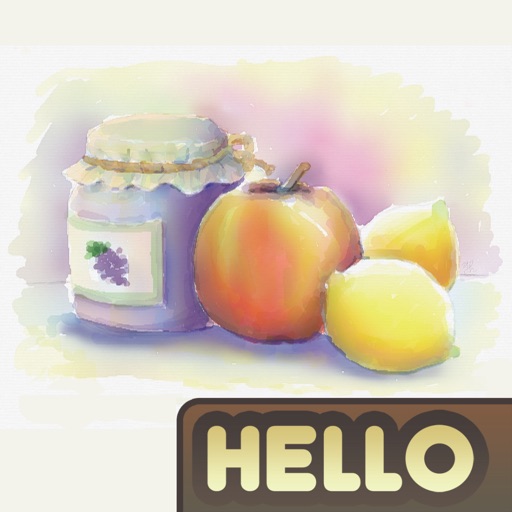
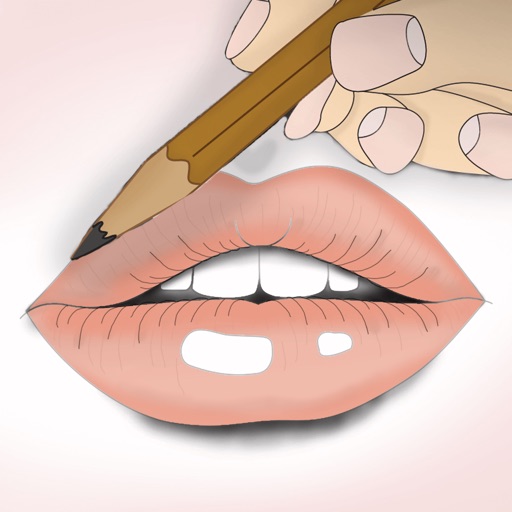
The app uses live-calculated brushes and strokes with HDR values for a unique art style. It offers gritty paper/canvas textures that interact with drawing tools for a satisfying look.
by Norbyte★ 4.7938 ratingsGraphics & DesignFreeData updated 2026-09-25
Create manga and illustrations using free tools like G-pens, mapping pens, tones, and backgrounds. Access lessons on story creation, character design, and dialogue from editorial team. Enter contests and receive updates on available competitions.
Create digital art with customizable brushes and layers. Adjust brush settings for pressure and flow. Use Apple Pencil for precise strokes. Save and export artwork in various formats. Import images for tracing or blending.
Create art with 10 brushes. Adjust brush size and color randomly. Import photos to doodle on. Add drawings to family images for customization. Save and share completed artwork.
Create and edit drawings with a variety of colors and brushes. Sketch freely and refine details. Save, share, and publish artwork. Include step-by-step process for each drawing. Export in multiple formats and share directly.
Create illustrations with a spacious canvas and customizable screen settings for iPad users. Use a wide range of brushes and tools for detailed drawing. Save work automatically to the cloud and adjust panels for comfort and efficiency.
Create and project drawings in real time using augmented reality. Trace and sketch on surfaces with your device. Adjust colors and brush sizes. Save and share drawings. Sync with other devices for collaborative projects.
Create drawings using bright colors and various brushes, glows, hearts, dots, and stars. Paint and record your sessions to review your artwork. Access pro features via optional subscriptions.
Create paintings, drawings, and sketches with realistic brush strokes and 64-bit color. Use sub-pixel precision for detailed work. Import and export artwork in multiple formats. Access advanced tools for layering and color blending.
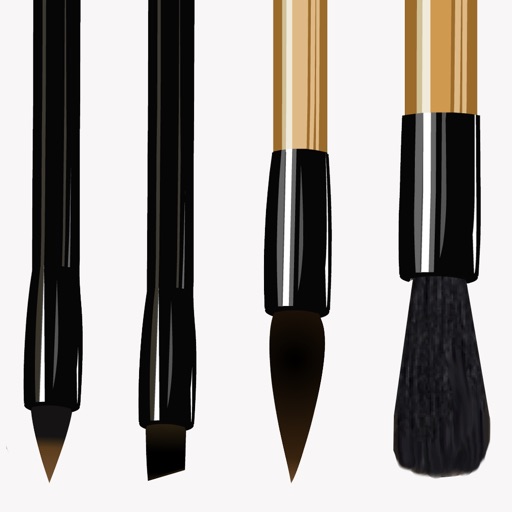
The app provides custom-designed drawing tools that simulate real art supplies. Users can share their creations or save them for later, with options for interaction through likes and following.
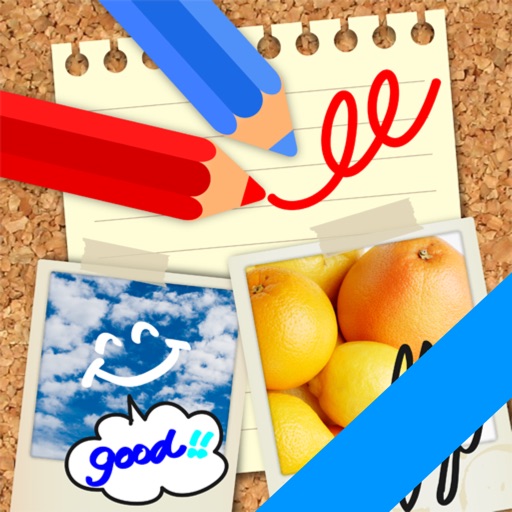
Edit images by on photos and adding text. Choose from 45 colors and five pen thicknesses. Use zoom editing and undo functionality. Share edited images via email, Twitter, and Facebook.
Solve puzzles by drawing shapes to complete levels. Adjust line thickness and color. Earn stars for completing challenges. Unlock new characters and themes. Share achievements on social media.
The app simulates watercolor blending and spreading behaviors using fluid simulation technology. It supports techniques like wet-in-wet, wet-in-dry, dry brush, and dry on wet, along with pencil sketching.