Edit photos with over 20 available effects. Apply filters, adjust brightness and contrast. Crop and rotate images. Save and share edited photos directly.
by 源 温★ 0.00 ratingsPhoto & Video$2.99Data updated 2026-09-08
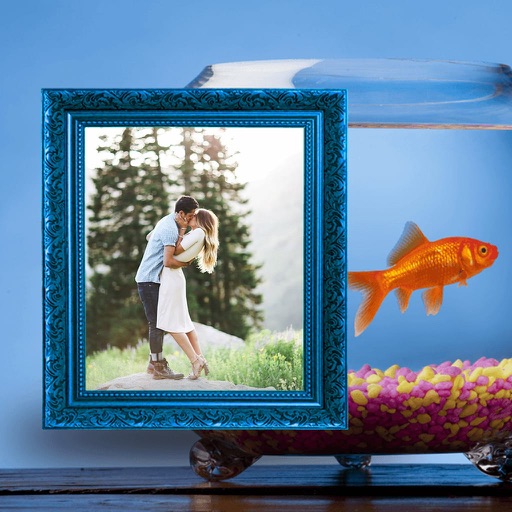
Edit photos by selecting from the gallery or capturing new ones. Apply various and effects. Adjust image position, size, and angle. Save, share, or upload photos to social media platforms like Facebook, Twitter, and email.
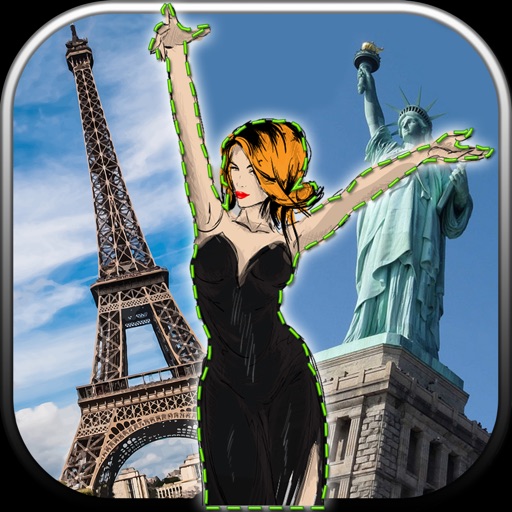
Edit photos by removing unwanted backgrounds and replacing them with scenic images. Cut out subjects and paste them onto new backgrounds. images for seamless montages. Share edited photos directly.
Edit photos with multiple filters like grayscale, sepia, vivid, high contrast, soft, warm, and cool tones. Adjust intensity for desired effects. Fine-tune brightness, contrast, saturation, and sharpness.
Edit photos with and holiday effects. Add text and stickers. Create cards and share edited images directly. Decorate photos with festive themes and access a photo booth feature.
Edit photos by selecting from the gallery or capturing with the camera. Apply multiple and effects. Adjust position, size, and angle. Save, share, or upload images to social media platforms like Facebook, Twitter, and email.
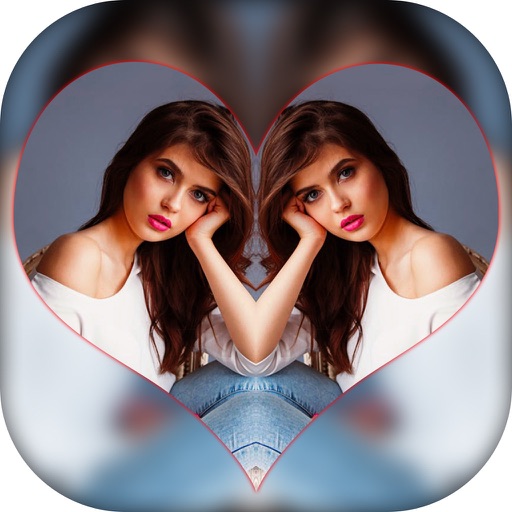
Create effects with left-right, up-down, reflection, and repeating options. Apply effects and designer frames to enhanced images. Edit and share -style photos with additional customization features.
Remove unwanted objects from photos using AI-powered erasing. Edit images with advanced tools for color correction and detail enhancement. Crop, adjust brightness, and apply filters. Share edited photos directly to social media or messaging apps.
Edit photos with holiday-themed , stickers, and lenses. Add effects and backgrounds. Share edited images directly. Create festive scenes like snowfall or a tree. Apply Santa or Grinch effects for fun.
Edit photos with filters, cropping, and brightness adjustments. Create collages using customizable templates. Add stickers, text, and drawings. Design storybooks with pages and layouts. Share edited content directly to social media.
Resize images with adjustable dimensions and resolution settings. Crop, rotate, and flip photos. Add text, borders, and effects. Save and share edited images directly. Supports multiple file formats and integrates with social media platforms.
The app divides photos into colors and applies effects to selected colors. Users can turn photos into posters, pencil portraits, or comics with one tap.
Take selfies with camera filters. Select from professionally designed effects. Save and share photos directly. Includes self-timer for timed shots. Optimized for self-portrait photography.
Edit photos with 140 humorous graphics and comic text. Apply filters by swiping. Share directly to Instagram, Facebook, and Twitter. Message quickly. Print photo creations as physical postcards.
Edit photos by selecting from the gallery or capturing new ones. Apply various frames and effects. Adjust position, size, and angle. Save, share, or upload images to social media platforms like Facebook and Twitter.
Use machine learning to enhance selfies with filters, effects, and pose adjustments. Edit photos by adjusting brightness, contrast, and skin tone. Share edited images via social media using the #shakyapp hashtag.
Edit photos using AI to enhance contrast, color saturation, and image details. Adjust brightness and sharpness. Save and share improved images directly.
Convert photos into painting styles using over 50 filters inspired by famous artworks. Generate custom filters with AI based on user-provided images. Apply effects like vibrant colors and delicate textures.
Create home videos by combining clips, audio, and photos. Add picture-in-picture, filters, transitions, and voiceover. Trim, split, rotate, and crop media. Reverse play and organize segments. Export final edits.
BOSFOR REKLAM BILISIM PAZARLAMA VE DANISMANLIK LIMITED SIRKETI
Turn photos into art
Convert photos into avatars using AI. Upload a selfie or portrait to generate -style or cute toon art. Apply filters and adjust styles. Save and share edited images directly.
Decorate photos with customizable and effects. Choose images from the gallery or capture new ones. Adjust position, size, and angle. Save, share, or upload photos to social media platforms.