Edit photos with over 20 available effects. Apply filters, adjust brightness and contrast. Crop and rotate images. Save and share edited photos directly.
by 源 温★ 0.00 ratingsPhoto & Video$2.99Data updated 2026-09-08
Apply premium filters for vintage, film, and fashion styles. Adjust brightness, contrast, and saturation. Add text overlays and export in high resolution. Share photos directly to social media.
Edit photos by applying AI-generated 90s-style filters. Add timestamps, film grain, and old-school camera effects. Choose from multiple styles to customize edits. Save and share transformed images directly.
Edit photos with over 1000 filters and effects. Apply artistic sketches, paintings, or cartoon styles. Add textures and vignettes. Create cards with customizable templates. Auto-enhance images and export in various formats.
Apply and stickers to photos to enhance their romantic appearance. Add decorative elements to create memorable images. Save and share edited photos with enhanced visual effects.
Create new photo with HD quality effects. Add new wishes and . Share photos with friends and family. Customize with text and animations. Apply filters and effects to enhance images. Save and send edited photos directly.
Edit photos with filters, backgrounds, patterns, textures, frames, and stickers. images to format. Access photos from the gallery or capture new ones with the camera. Apply creative tools to enhance and style images. Share edited photos directly.
Create slideshows from photos with music, transitions, and effects. Select themed templates for birthdays, holidays, or love. Adjust duration, filters, and transitions. Export and share finished videos.
Add , radial effects, and filters to photos with one tap. Adjust focal points, zoom, and rotate elements. Customize line thickness, opacity, and color for detailed edits.
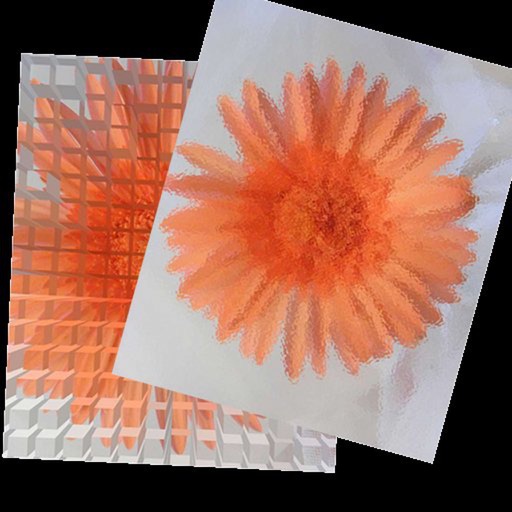
The app allows users to apply effects to flower wallpapers on their iPad. Users can select from various flowers like orchids, carnations, daisies, and roses, apply an effect, and save the result to their album.
Edit photos and videos with filters, effects, and adjustments. and scale using predefined canvases. Rotate, flip, and blur images. Add text, stickers, and frames. Share full-size content to Instagram and other social media without cropping.
Photos by selecting and painting over areas with a magnifying glass tool. Adjust intensity and apply pixelation effects. Remove blemishes and add filters. Export edited images in high resolution.
Edit photos with filters, cropping, and adjustment tools. Create collages using templates, grids, and layouts. Add text, stickers, and . Share edited photos directly.
Edit and enhance grayscale photos with 20 predefined presets and custom adjustments. Apply vignette effects and modify color channels. Save personalized presets. View and share monochrome images directly.
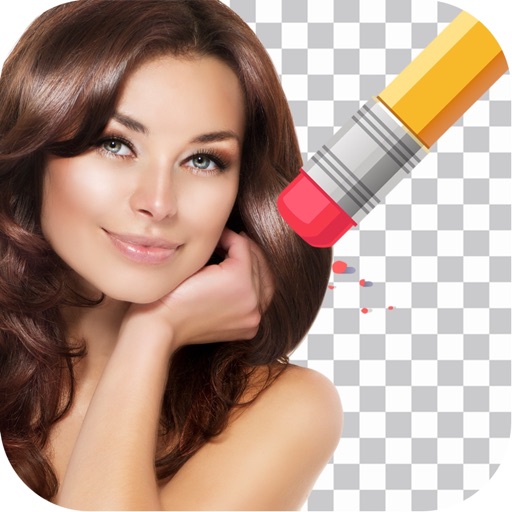
Remove backgrounds from photos by tapping areas to erase. Automatically or manually adjust transparency. Save edited images in HD quality. Export and share edited photos directly.
AI-powered effects automatically enhance with artistic filters and styles. Edit images with intuitive tools for cropping, adjusting brightness, and adding text. Share edited directly to social media or save in various formats.
Edit photos with a wide range of aesthetic and stylish filters created by professional photographers. Adjust brightness, contrast, and saturation. Save and sync edits across all Apple devices. Export in various formats and share directly.
The app allows users to add unlimited stickers to photos. Users can select, scale, rotate, and adjust photo appearance with brightness, saturation, and contrast tools.