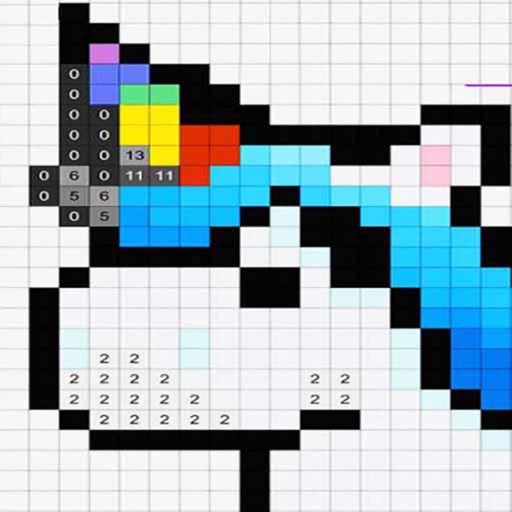
By allows users to select and images based on numbered sections. Features include choosing from floral, mandala, and animal designs, following numbered guides to fill in colors, and completing artwork.
Draw dots by pressing one finger, adjusting size based on press duration. Create lines and shapes with multiple fingers. Manipulate polygons by moving vertices. Export drawings in various formats. Share creations directly.
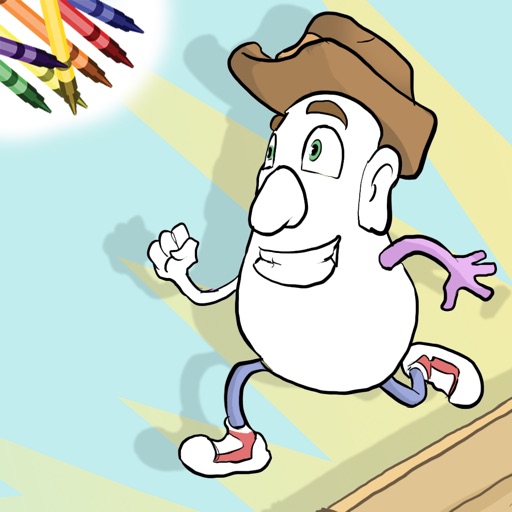
Color within lined boundaries using various crayon sizes. Choose from illustrated drawings. Add text and stickers to artwork. Export creations in multiple formats and share directly.
The app offers a drawing software for children ages 3 to 12 with an attractive user interface and sound effects. It provides various brush tools and paper options for creative results, along with a library of scenes and items.
The app allows users to create custom coloring pages by selecting characters and adding various features and stickers. Users can then color their creations using a wide selection of colors and tools, with options to save and share their artwork.
The app offers a variety of color options including normal, new, continuous, gradient, and rainbow changes for each stroke. Users can also select characters like people, houses, cars, and ships, with individual color effects.
The app turns an iPhone or iPod touch into an LED ticker. Users can create signs with motion effects, choose from eight colors, and manage messages with a folder system.
Create digital paintings using a brush for intricate curves and unique patterns. Adjust brush settings for different effects. Combine brush with regular brush for varied artwork. Export and share finished drawings.
The app allows users to paint on photos using 13 brushes and pens with varying thicknesses. Users can save and share their creations via email, Twitter, or Facebook.