The app simulates watercolor blending and spreading behaviors using fluid simulation technology. It supports techniques like wet-in-wet, wet-in-dry, dry brush, and dry on wet, along with pencil sketching.
The app allows users to create flipbook-style animations using touch drawing tools. Users can adjust brush width and color, manage animation frames, and save their creations.
Create art with . Choose from nature scenes, portraits, animals, and mandalas. Customize colors, add textures, and save or share drawings. Import images for custom pages. Use layers and brushes for detailed illustrations.
Create light-based drawings using finger gestures on the screen. Share creations with friends and family via social media or messaging. Save finished designs as photos in the device's gallery.
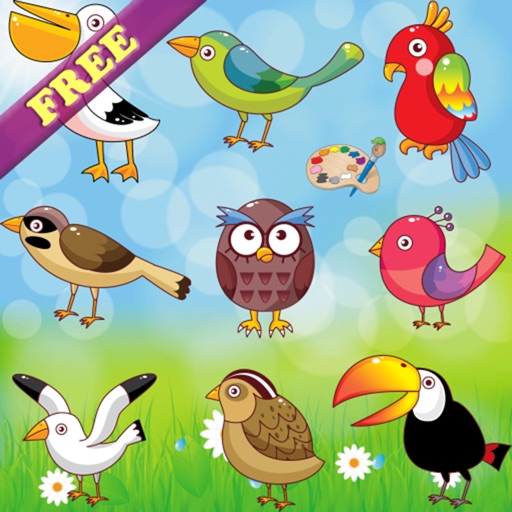
The app provides coloring pages featuring birds for children aged 0-6. Users can select colors from a palette, use an eraser, and change brush size to color drawings.
Binky allows children to color pages with touch and drawing tools. Features include color selection, erasing, and saving artwork. Includes 150+ themed pages to develop fine motor skills and hand-eye coordination.
Children can draw using step-by-step templates in cartoon and kawaii style. They can choose colors, add stickers, and save their artwork. The includes guided exercises and a safe, child-friendly interface.
Create and colors on a canvas to solve puzzles. Fill squares to complete paintings. Choose colors to mix and adjust hues. Complete levels with increasing difficulty. Enjoy calming gameplay and artistic challenges.
Create oil paintings from photos with brush stroke effects, color blending, and texture layers. Adjust lighting and shadows. Save and share final artwork in high resolution.
The app allows users to create spiral drawings with colorful gears and rings. Users can import photos, use Apple Pencil, and draw hypotrochoids and epitrochoids.