The app displays tablature and standard notation for multiple file formats. It offers MIDI playback with speed control, volume, and instrument assignment for tracks, along with a metronome and countdown.
by Matthieu Leschemelle★ 4.7304 ratingsMusicFreeData updated 2026-09-25
A 4-band parametric stereo equalizer with peak, low-shelf, and high-shelf filters. Adjust gain, frequency, and Q for each band. View real-time frequency response graphs. Apply effects for subtle enhancements or aggressive boosting.
Create and sequence music using a step sequencer with generative features. Chain patterns with the Metasequencer. Use Modifier system for dynamic changes. Switch states via MIDI Program Changes. Adjust UI for different window sizes.
Select chords with a single touch. Tap the key button and slide to choose chord types. Play any common chord instantly without presets. Connect to MIDI devices for real-time control. Adjust chord voicings and transpose on the fly.
Access fingerings for over 200 instruments. View fingerings on a virtual instrument or as a diagram. Suitable for beginners and professionals. Learn and practice correct finger placements for various instruments.
Create and edit music with virtual instruments, MIDI sequencing, and audio recording. Arrange tracks, adjust parameters, and export projects. Supports hardware integration for advanced features.
View and edit charts, lyrics, and tablature for or piano. Transpose keys, enable autoscroll, and create diagrams. Export as PDF or print. Add custom songs by title and artist. Share charts directly.
The app is an experimental wavetable synthesizer featuring an old-school pixel interface. It allows users to draw waveforms while playing and supports WAV export, MIDI keyboards, Audiobus, and IAA.
Play -based MIDI instruments with realistic sound samples from vintage models like Framus AZ-10 and Hohner Morino VM. Support multiple MIDI systems and chord samples for 3-channel setups. Combine instruments using MIDI playback.
Create and manipulate music with unlimited instruments and audio recording. Build scenes using pattern mode and visual elements. Control instruments via multitouch and motion interface. Connect to HDMI and Airplay for live performances.
Load files and sound libraries to play music. Adjust playback speed and transpose files. Follow notes on the keyboard and identify different channels. Read lyrics and have the speak them during playback.
Create and play chord progressions in various musical styles. Add chords, select instrument tracks, and hit play. Experiment with arrangements and mixes using piano, guitar, synth, bass, and drum tracks.
The app provides access to over 850,000 guitar tabs and chords in ChordPro format. It features handsfree control with AutoCue and supports external devices for a complete playing experience.
Customize positions and scales for personalized finger drumming. Play, record, and save performances. Load saved sessions and export to MIDI, WAV, and MP3 formats.
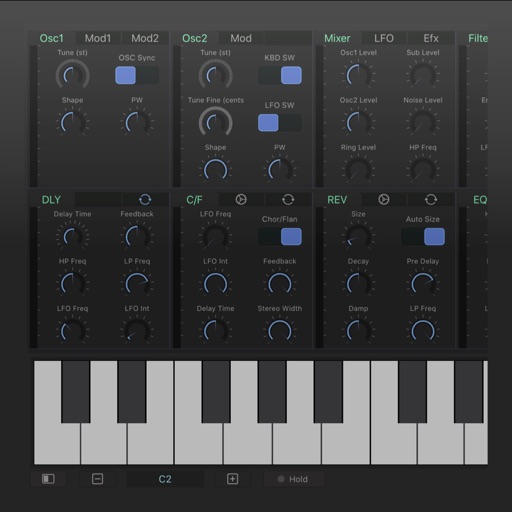
Create and control up to 8 synthesizers simultaneously using a built-in keyboard or step sequencer. Connect external MIDI devices for input. Adjust sounds with a dynamic compressor and 10-band graphic equalizer.
The app supports up to 16 audio/MIDI tracks, built-in pads, ambient loops, and metronome. It integrates chord charts, PDF scores, lyrics with video backgrounds, and foot pedal control for practice, rehearsal, and performance.
Create and perform music with multitrack sequencing, monophonic and polyphonic synthesizers, and drum machines. Adjust customizable parameters for sound shaping. Record and export compositions directly.
Record and audio for voice or instruments. Create song sections like verse, bridge, and chorus. Switch between sections in real time. Import audio files and use drag-and-drop. Apply effects and overdub tracks. Supports iPad and iPhone.