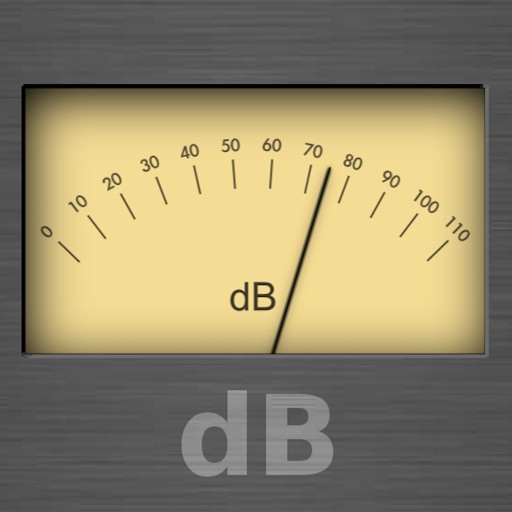
The app functions as a sound level meter, offering features like adjustable update rates and weighting types. It displays minimum, maximum, and average values, along with a historical curve and real-time histogram.
by Fabien Lefebvre★ 5.01 ratingsUtilities$1.99Data updated 2026-09-25
Audio analysis tool for professionals and students. View frequency spectra with adjustable FFT sizes and averaging times. Customize plot color and input source. Scale and move plot with smooth animation. Utilize full audio range from built-in mic.
The app measures surrounding sound levels using the iPhone's microphone. Sound is displayed in decibels and visually as a balloon that changes size and color with the sound level.
Access without internet and sign in once. Receive notifications for new , average changes, and grade updates. View detailed grade information and track progress over time.
Measure environmental levels in real time using your device's microphone. Display readings accurately. Detect and monitor sound levels at home, work, or outdoors.
Calculate scores by entering numbers. Display results instantly. Track multiple entries for accurate averages. Save and view historical data. Export results in various formats.
The app converts hours and minutes to decimals, and decimals to hours and minutes. Input values can be entered as hours:minutes, decimals, or minutes, with conversions displayed instantly.
The app transforms a smartphone into a sound and vibration detection tool when used with specially designed hardware kits. It assists technicians in locating defective or worn parts in machinery by detecting sounds and vibrations.
Measure intensity in lux and foot-candles with real-time color temperature readings. Track average and maximum levels. Get exposure suggestions and manually adjust shutter speed and aperture settings.
Analyze audio in real time with RTA bar and line graphs, FFT, and spectrogram views. Display peak and current dB levels. Choose linear or logarithmic scales. Adjust octave settings and access a sleek, functional interface.
Calculate running metrics including finish time, average speed, pace, and distances in both metric and imperial units. Convert values instantly between units. Display results for various race distances and formats.
Track speed and total miles during trips. Monitor max and average speed. Save trip history and export as a spreadsheet. Switch between miles and kilometers. Continue counting miles and time in background while using other apps.
Perform calculations with a simple or interface. Solve equations step by step and view detailed explanations. Access calculation history for review or sharing. Generate graphs for visual representation of equations.
Monitor ambient levels in real time using the microphone on Apple Watch Series 4 or later. Display decibel levels on a meter and indicate if the environment is “OK” or “Loud.” Add the as a complication to your watch face for quick access.