The app supports over 2000 source formats for conversion to Archives, Audio, Documents, Ebooks, Images, and more. Users can share converted files through multiple methods after conversion.
by Sander Staal★ 5.03 ratingsProductivityFreeData updated 2026-09-25
Convert files to , PDF, TXT, HTML, DOCX, ODT, AZW3, and FB2. Also convert other formats back to . Perform unlimited conversions without fees or sign-ups. Preserve formatting during file conversion.
Convert documents between formats such as PDF, Word, Excel, PowerPoint, and images. Edit converted files directly. Save and share converted documents. Import files from cloud storage. Export in multiple formats.
Convert documents and images between supported formats. Select files from device storage or photo library. Choose target format from list including PDF, DOC, JPEG, PNG, and more. Preview converted files before saving.
Convert images and documents to PDF with one tap. Edit and annotate PDFs. Batch convert multiple files. Maintain original quality during conversion. Share converted files directly.
Convert temperature between Celsius, Fahrenheit, and Kelvin
Convert temperatures between Celsius, Fahrenheit, and Kelvin with instant results. Display formulas for calculations. Save and share conversion results with detailed formulas. Works offline and supports multiple languages.
Convert and audio files to iOS-compatible formats. Import files from Dropbox, OneDrive, Photos, and My Documents. Browse files in a folder-based structure. Convert media while preserving quality. Play converted files directly on iOS devices.
Edit files including TXT, RTF, RTFD, HTML, XML, and markdown. View and modify formatting details like font, size, color, and alignment. Preview HTML and markdown in real time. Access files from device storage or cloud services.
Take notes by entering or recording . Convert voice recordings to in real time. Read aloud. Organize notes into groups and folders. Share notes within groups.
Convert PDF documents to high-quality JPG/ images. Edit and annotate PDF pages before conversion. Share or print converted images directly from the . Save files in multiple formats and adjust image quality settings.
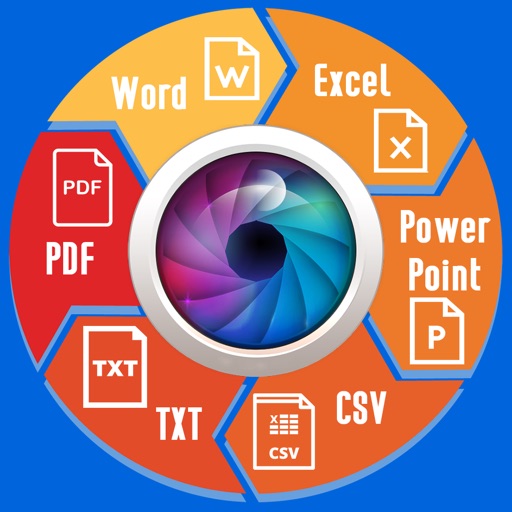
Extract text from scanned images and convert to Word, Excel, or PDF. Edit extracted content in Word or Excel. Convert tables and format from images to Excel or Word. Save as text files or PDFs. No registration required for conversions.
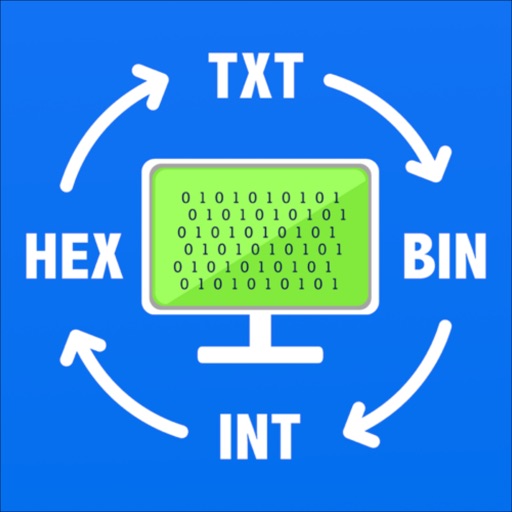
Convert text, , hexadecimal, and custom base numbers to each other. Perform base conversions with a minimalistic interface. Learn how different number systems work through interactive conversion. Encode messages in for fun or practical use.
Convert photos, images, and documents into PDF files. Capture and convert scanned documents via camera. Support for JPG, PNG, and DOC formats. Edit and annotate PDFs. Export files to email or cloud storage.
Image files to jpg or png formats. View file name, extension, resolution, and creation date. Supports conversion of heic files from iPhones to jpg or png.