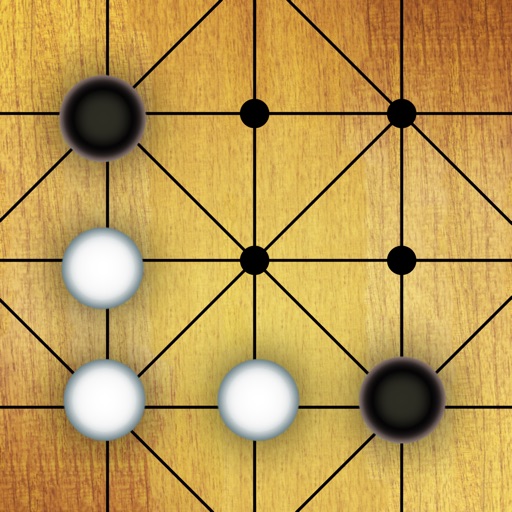
The app allows users to play the game of Go on an iPhone or iPad. Users can play against another human or the computer, with adjustable board sizes and computer strength.
by Patrick Naf Moser★ 3.3121 ratingsGamesFreeData updated 2026-09-25
Play a retro-style combo action game featuring 8-bit graphics and pixel art. Control to fight an invading army. Customize heroes with power-ups and costumes. Perform special attacks, basic and air combos, and level up.
The app offers a classic board game experience with multiple gameplay options. Players can connect four pieces vertically, horizontally, or diagonally to win.
Play in 3D with human vs AI or AI vs AI modes. Adjust piece colors and metallic effects. Review moves step by step, edit, and resume games. Watch AI opponents play to improve strategy.
Move to create rows or columns that sum to 10. Clear the board by matching totals. Score points for successful combinations. Track progress and challenge yourself with increasing difficulty levels.
Play against the computer or another player. Adjust computer difficulty, undo moves, and rotate the board. Access hints and use an intuitive, attractive interface for gameplay.
Play with custom routes and plays in iMessage. Move players along predefined paths. Compete in singleplayer, turn-based mode, or live multiplayer via GameCenter. Includes playoff mode and college rules.
Play a turn-based strategy with family and friends. Move pieces across the to reach home. Earn extra moves for sending opponents' pieces to the nest or landing in home. Multiple players can take turns.
The app offers a version of Othello with graphics and animation. It provides 30 difficulty levels for play against the computer and allows for human versus human matches on a single device.
The app offers a Ludo game with multiple characters and play options. Players can compete against computer opponents or engage in Pass & Play with a mix of human and computer players.
Play chess with a classic board design and realistic sound effects. Challenge AI opponents or play against another player. Use undo and hint features to assist during matches.
Play Classic with realistic animations and smooth transitions. Customize settings including draw options and scoring. Use real-time hints and unlimited undos. Enable or disable tap-to-move and only winning deals.
Play by moving checkers based on dice rolls. Hit opponent's checkers to remove them. Use the doubling cube to raise stakes. Move all checkers to home board to win. Track turns and manage pieces during gameplay.
Play against a computer in easy, medium, or hard mode. Compete in split-screen with another player. Challenge opponents globally via Game Center. Adjust game settings and track scores during matches.