Edit photos with advanced filters, color adjustments, and mathematical transforms. Apply custom brushes and import Photoshop brushes, curves, and fonts. Repaint images and export in various formats. Share edited work on Instagram.
by Teresa Alonso★ 4.5256 ratingsPhoto & VideoFreeData updated 2026-09-08
Edit photos to create color splash or color pop effects. Select specific areas to color while keeping the rest and . Adjust color intensity and apply artistic filters. Share edited images directly.
Create and customize digital drawings with tools for sketching, coloring, and text addition. Save and export artwork in various formats. Share creations directly with social media or email.
Art designs with tap-and-draw controls. Use magical brushes to paint glowing effects. Create symmetrical patterns and mandalas with balanced templates. Adjust colors and motion effects for custom designs. Share creations directly.
Edit using commands to adjust features like skin smoothing or background replacement. Apply AI-generated edits quickly with no manual adjustments. Export edited images directly from the .
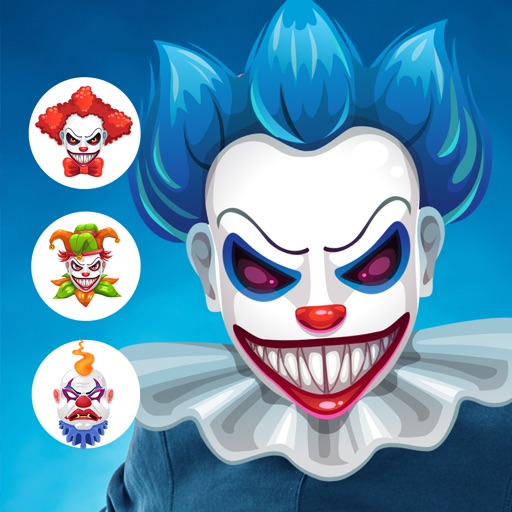
Edit photos with filters, spooky stickers, and horror-themed effects. Add creepy heads to group photos. Share edited images on social media or set as profile picture. Export in various formats and apply multiple filters.
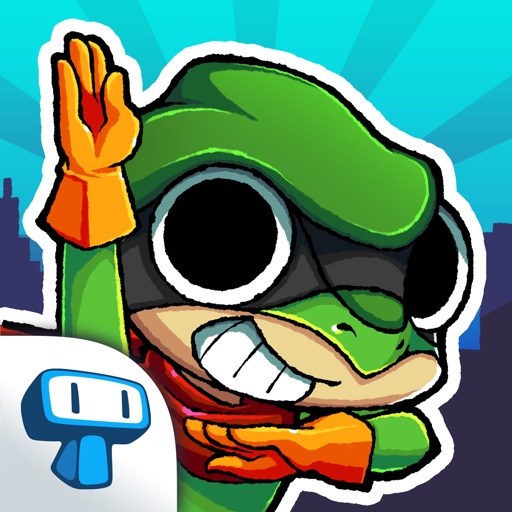
The app features a superhero who transforms into various objects and creatures. Players help the hero by performing swipe gestures to complete movement sequences and unlock new transformations.
Create short videos with pre-designed templates and text animations. Customize videos for Instagram, Reels, and TikTok. Add text, adjust layouts, and save edited directly.