Edit photos with advanced filters, color adjustments, and mathematical transforms. Apply custom brushes and import Photoshop brushes, curves, and fonts. Repaint images and export in various formats. Share edited work on Instagram.
by Teresa Alonso★ 4.5256 ratingsPhoto & VideoFreeData updated 2026-09-08
Edit photos with advanced filters, exposure adjustments, and color grading. Crop, rotate, and straighten images. Add text, stickers, and borders. Export in various formats and share directly.
Edit photos by selecting from gallery or camera. Cut out the main subject with tools. Replace the using gallery images or built-in options. Save and share the edited .
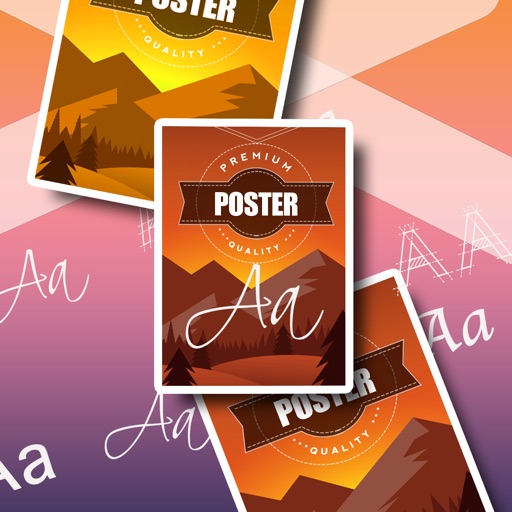
Edit by adding customizable with unique fonts. Adjust photo size and crop images. Modify color, add borders, and adjust brightness. Share edited directly from the .
Edit photos with retouch tools to smooth skin, remove blemishes, whiten teeth, and enhance eyes. Adjust , slim figures, and reshape proportions. Apply filters and effects to alter appearance and enhance visuals.
Record video with punch-in/out editing and jog wheel scrubbing. Apply customizable VHS and 8mm filters from the 1920s to 2000s. Adjust color, contrast, and brightness for desired vintage look. Export videos in various formats and share directly.
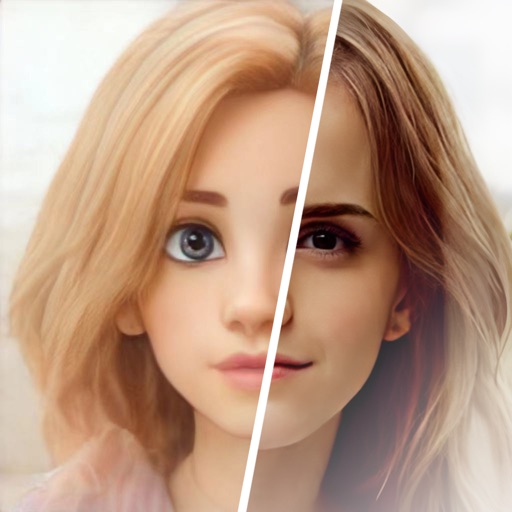
Edit photos using AI-generated filters based on text prompts. Transform selfies and images with unique styles and magical effects. Apply AI-powered enhancements without complex tools or sliders. Share edited photos directly from the .
Edit photos with 200 unique filters and effects. Adjust brightness, contrast, and saturation. Add text, stickers, and borders. Crop and rotate images. Export in multiple formats and share directly.
The app features over 13 activities where users can help animal families with household projects. Users can mix paints and use brushes to customize creations.
Capture photos with a vintage camera style, mimicking Fuji, Hasselblad, and Ricoh colors with visible grain. Retouch images using HSL adjustments, curve controls, defogging, and photo framing tools. Export edited photos directly.
The app provides online photography training from over 100 experts. It features a library of 1,000+ courses covering various photography and editing techniques, with weekly new releases and curated learning tracks.
Edit photos with filters, frames, and collage templates. Add effects and select from various photo types. Create collages by choosing images and applying pre-designed layouts. Export and share the final edited photo.
The app offers a variety of photo effects, including filters, 3D, bokeh, and frames. Users can access 208 free effects and unlock over 1300 more through in-app purchases.
Create custom memes and stickers from photos. Choose images of animals or funny moments. Add text with custom fonts and colors. Apply outline and background effects. Export to iMessage, Telegram, WhatsApp, Discord, Slack, WeChat, and QQ.
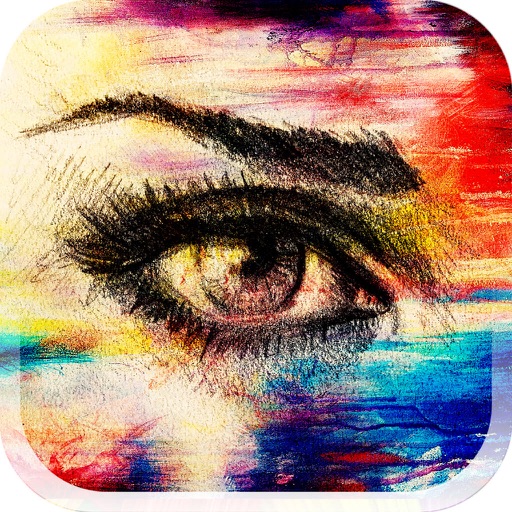
Edit photos with , oil painting, art, dream, sketch, magic, anime, and comic filters. Apply effects to selfies or images. Save and share edited photos directly.
Edit photos with 400+ artistic filters and effects. Apply oil painting, graffiti, sketch, and pop art styles. Adjust colors and textures. Save and share edited images directly.
The app creates and transforms media into unique creations. Users can write on videos, sketch on photos, and apply effects to pictures and live movies.