Edit photos with advanced filters, color adjustments, and mathematical transforms. Apply custom brushes and import Photoshop brushes, curves, and fonts. Repaint images and export in various formats. Share edited work on Instagram.
by Teresa Alonso★ 4.5256 ratingsPhoto & VideoFreeData updated 2026-09-08
Edit photos and videos with AI-powered tools for refinement, makeup application, adjustment, and background changes. Apply presets and filters. Use smart assistant for creative suggestions. Export and share edited content.
Edit text with customizable fonts, shadows, and gradient colors. Apply one-click filters for professional photo look. Adjust lighting, sharpness, and detail clarity. Access design templates for weddings, cards, and frames.
Apply live filters to enhance photos with effects. Adjust color tones and add vintage textures. Share edited images directly to Instagram. Save and view photos with analog-style filters.
Edit photos with unblur, object removal, and background cleanup tools. Apply AI filters, artistic styles, and motion effects. Create photo animations with one tap. Export and share edited images directly.
Edit photos with filters, effects, and tools. Crop, adjust brightness and colors. Add text and stickers. Share edited photos directly. Enhance images to appear beautiful and lively.
Edit photos with cropping, resizing, and removal tools. Apply filters, adjust colors, and add text overlays. Export images in various formats and share directly to social media or online stores.
Edit photos with seasonal and holiday themes. Apply nature-inspired filters and effects. Add text and stickers to images. Save and share edited photos directly.
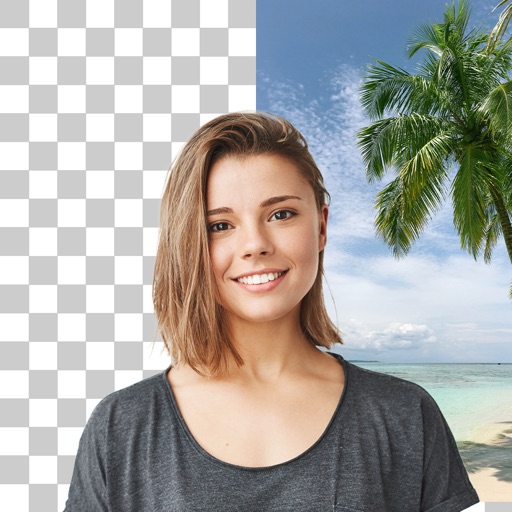
Remove backgrounds from images using U^2-Net technology. Apply customizable themes and color backgrounds. Enhance social media profiles with professional-looking designs. Export edited images directly.
Edit photos with filters, cropping, and adjustments. Change backgrounds and add stickers. Create collages and customize . Design Facebook and Instagram posts and stories. Export edited images in multiple formats.
Edit photos with and apply filters. Add text and stickers. Create montages. Share edited images directly. Adjust brightness and contrast. Save and export in various formats.
Edit photos with cropping, filters, and adjustments. Remove unwanted objects or people using the Magic tool. Replace backgrounds to create montages. Create collages with pre-designed templates. Export edited photos in multiple formats.
Enhance and beautify photos with AI-powered upscaling and detail refinement. Remove blemishes, adjust skin tone, and sharpen images. Apply filters and effects. Export in various formats and share directly.
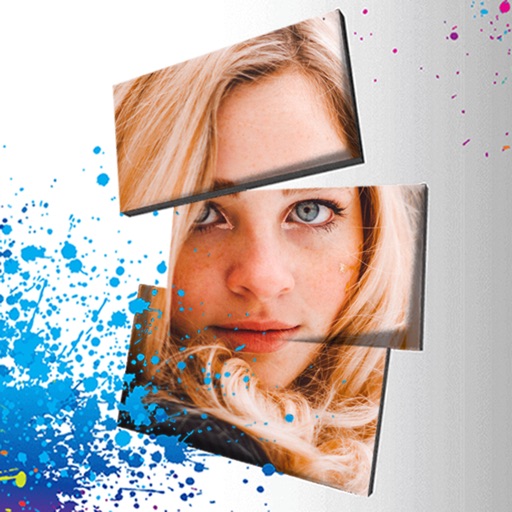
Edit photos with 3D and color effects to create立体 art. Apply special effects to enhance images. Save and share edited photos directly. Use fun and intuitive editing tools for creative customization.
Apply AI-generated art filters to photos using style transfer technology. Adjust brightness, exposure, and temperature for fine-tuning. Save and share edited images directly.
Color and paint magical creatures using brushes, crayons, and patterns. Earn stickers to decorate artwork. Save completed drawings to the gallery. Create custom books with favorite images. No ads and kid-friendly design.
Apply with multilayered styles, including vintage film, textured finishes, and painterly designs. Adjust colors, tones, and brightness. Export edited photos in various formats and share directly.
Edit photos with cartoon effects, AI-generated images, and retro styles. Add filters, adjust colors, and apply comic-themed designs. Save and share edited photos directly.
Edit photos and videos with advanced tools including , cropping, and color adjustments. Add text, stickers, and retro effects. Export in various formats and share directly. Sync with social media platforms for instant posting.