The app provides drawing tools including airbrush, pen, pencil, line, rectangle, and ellipse. Users can control tool color, size, and transparency, and manage layers with transparency and visibility settings.
The app allows users to draw geometric shapes using a compass and ruler. Users can draw lines or circles with a pencil or paintbrush, and save or print their creations.
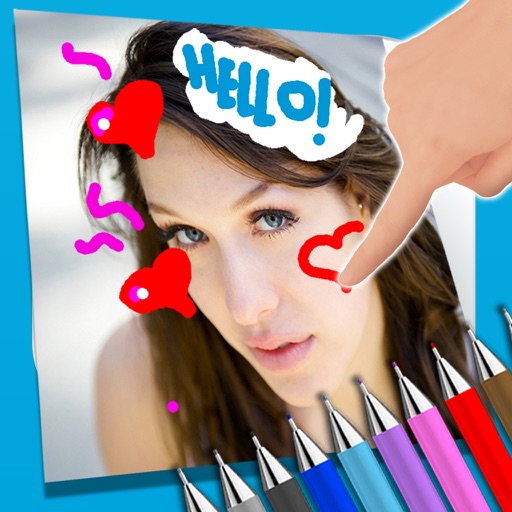
The app allows users to write notes and draw on images using a photo and text editor. Users can select from three pencil types and various colors, change backgrounds, and add captions to photos.
The app allows children to draw on background images and then remove the background. It functions as an electronic whiteboard and can connect to a projector for enlarged viewing.
The app offers a digital coloring experience with princesses, princes, and castles. It provides a wide color palette and simulates finger painting for children aged 0-6 and older.
Simulate welding by selecting machines and objects, then removing excess weld. Choose colors to paint the finished product. Track progress and test patience through interactive challenges.
Coloring princesses and magical adventures awaits.
The app allows children to paint princesses, princes, castles, and fairies. Users can paint with fingers using various colors or discover pictures by scratching.
Color by number puzzles let users select images and fill numbered cells to create artwork. Tap to color cells, save progress, and view completed images. Share finished artwork or reset to start over.
The app encourages artists to create artwork for the glory of God with a Christian theme. Users can draw, add text, zoom, and save paintings to their phone's album.