Simulate from a swinging bucket with realistic physics. Adjust color and motion to create art. Use AR mode to project effects in real-world environments. Share artwork directly to social media.
Images of grandmothers' hobbies and home life. Customize colors and patterns. Save and share completed artwork. Access a library of family-themed coloring pages. Adjust brush size and opacity for detailed work.
The app allows users to create spiral drawings with colorful gears and rings. Users can import photos, use Apple Pencil, and draw hypotrochoids and epitrochoids.
Edit photos and videos with AI-powered enhancements, including skin smoothing, background blurring, and style transfers. Adjust lighting, colors, and effects. Save and share edited content directly.
Create digital paintings with unique brushes and color chaos features. Use Color Jitter for textured effects and Fan Fill or Lasso Fill for quick color blocking. Paint outdoors or on the go with intuitive tools.
Create 3D art using step-by-step tutorials. Access a large collection of drawings and techniques. Learn without prior skills through self-guided lessons. Practice drawing various styles. Export and share finished artwork.
Learn to draw with step-by-step tutorials covering animals, cartoons, and flowers. Practice by tracing images or sketching freely. Save and share completed artwork.
Create and edit digital art with brush tools, layers, and color blending. Import photos and sketches. Adjust brightness, contrast, and saturation. Add text and shapes. Export artwork in various formats and share directly.
Allows users to color pages with finger or stylus. Includes a variety of books and templates. Features a drawing mode for creating custom artwork. Lets users save and share their creations. Offers a gallery to view and manage completed drawings.
Edit photos with brushes and black-and-white effects
Edit photos by converting them to black and white and selectively retaining with a finger brush tool. Zoom in and out using two-finger pinching for precise adjustments. Share edited images via email or upload to Twitter, Flickr, or Dropbox.
Allows users to color pictures by numbers or custom designs. Users can select from various images, choose colors, and fill in sections to create artwork. Completed drawings can be saved or shared.
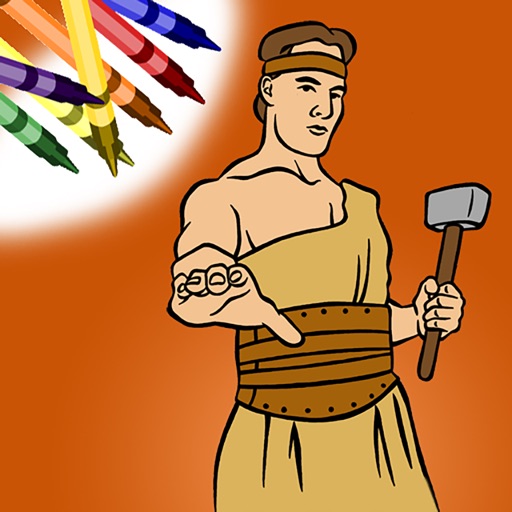
Color within lines using digital crayons. Select colors and tools to fill shapes. Save and share completed drawings. Adjust pressure sensitivity for detailed shading. Access a library of LDS-themed pages.
Build and destroy structures in vast worlds using various materials and colors. Create explosions, set off fireworks, and use portals. Explore endless environments and customize with painting tools.
Allows users to paint and the Family using rainbow brushes and glitter pencils. Includes 200+ pages with themes like animals, cars, and dinosaurs. Features mandala drawing games and interactive activities.