Edit photos and save them to the album. Share images via email, Twitter, and Facebook. Apply virtual glasses to photos for a new look. Send edited photos to friends directly.
by OH NAM KWON★ 4.321 ratingsPhoto & VideoFreeData updated 2026-09-08
Edit photos with light filters, including circle, frame, star, heart, glasses, and lines. Add text with customizable vector graphics. Apply coloring and create templates for creative artwork. Export edited images directly.
Add realistic fish to photos using AI technology. Select from various fish species and sizes. Adjust fish position and scale. Save and share edited images directly.
Edit photos with weather overlays, including rain, snow, and sun effects. Adjust transparency and blend modes. Share edited images to social media directly. Create custom weather-themed photo channels.
Edit photos with borders, cropping, and resizing tools. Add designer borders to round images. Save and share edited pictures on Instagram, TikTok, Facebook, Twitter, WhatsApp, and other platforms.
Add to or images automatically. Choose or take an image, apply a caption, and share or save the result. Supports sharing to , , Twitter, and other platforms.
Edit photos with nine customizable filters. Crop and position images. Add multiple lines of text and messages. Save creations to the library. Share directly to Facebook, Twitter, and other platforms.
Manage and organize photos with local and iCloud integration. Edit images using filters, cropping, and brightness adjustments. Share directly or save to a private library. Import videos and create collages. Add text and stickers to photos.
Turn old photos into digital scans using your iPhone’s camera. Edit images, apply filters, and add notes to each . Save scans to your phone’s gallery and share them with others.
Receive photos and videos captured at events directly on your smartphone. Access your album using a unique code provided during the event. View content processed by AI technology. Share or keep photos and videos as you choose.
Extract high-quality still images from videos or Live Photos. Select and edit frames with built-in tools. View and edited photos directly. Play videos from local storage or iCloud. Scrub through footage for precise frame capture.
Create or photos using pre-designed templates or personal images. Add text, decorations, and personal messages. Share completed via email, messaging, or social media.
Create and style photos with single tap effects. Apply 8 filters including , Cartoon, and Dots. Share images to social media or save to photo library. Print photos directly.
The app transforms user photos into oil paintings with a brush and oil color effect. Users can apply the oil filter to images and share them on social media or save them.
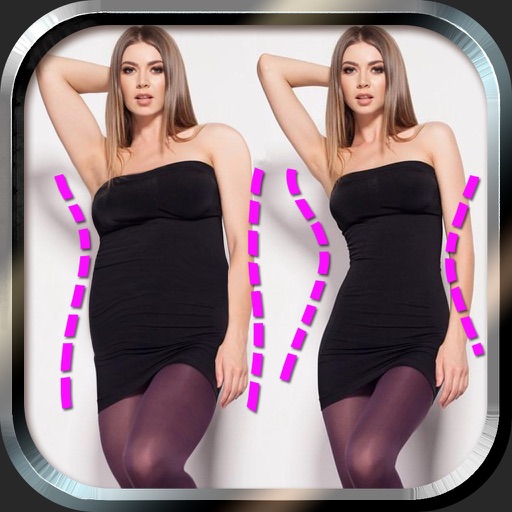
Edit photos to and body using auto-detection. Adjust and body thickness with sliders. manual edits and undo changes. Compare original and edited images. Save results to albums and share via email or social media.
Edit photos by adjusting brightness, saturation, and contrast. Crop, rotate, and apply special . Draw on images, add text, and create graffiti. Share edited photos directly from the .