Allows users to edit group photos by removing unwanted people or faces. Adjust expressions and reposition individuals within the frame. Apply filters and effects to enhance the overall appearance of the image.
by Yair Bar-On★ 4.3851 ratingsPhoto & VideoFreeData updated 2026-09-08
Arthur Eduardo Skaetta Alvarez Desenvolvimento de Software LTDA.
Convert videos to Photos
Convert videos or image sequences into Photos for use as dynamic wallpapers. Select videos or up to 10 photos from the camera roll. Create Photos without an internet connection. Apply motion effects to enhance visual appeal.
With filters, cropping, and adjustment tools. Apply beauty enhancements and double exposure effects. Use color splash and resize images. Access frames and story templates. Change resolution and export in multiple formats.
Bolga Games Yazilim Teknoloji ve Oyun Anonim Sirketi
Between photos
Between two images. Zoom in to locate discrepancies and missing parts. Track progress through multiple levels. Unlock new pictures and challenges. Share results with friends.
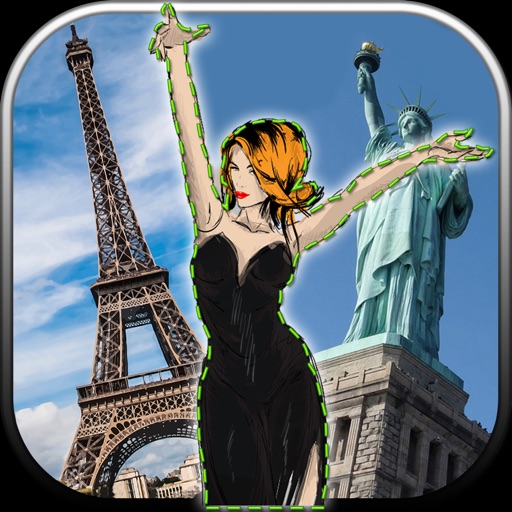
Edit photos by removing unwanted backgrounds and replacing them with scenic images. Cut out subjects and paste them onto new backgrounds. images for seamless montages. Share edited photos directly.
Edit photos with skin retouching, blemish removal, and dodge & burn tools. Remove stray hairs and edit hair part lines with one click. Reshape facial features and adjust body proportions using 3D bone mapping.
Enhance blurry, pixelated, or damaged images using AI. Adjust clarity, color, and brightness. Apply filters and effects. Restore old photos and damaged images. Export enhanced photos in various formats.
Create a custom image by selecting two parent photos and generating a . Apply filters to photos to replace faces with features. Share generated images directly.
Quickly by grouping similar images for easy selection. Remove unwanted to free up storage space. and manage efficiently with automatic sorting and streamlined deletion.
Unwanted objects, people, text, and blemishes from photos using AI-powered retouching. Erase elements with one tap for natural results. Adjust and refine edits to achieve desired outcomes. Share edited photos directly.
Take photos with single-tap effects and professionally designed filters. Adjust brightness and contrast. Apply blur and focus. Rotate and crop images. Export edited photos in various formats.
Edit photos by adding realistic scars, cuts, and bruises. Adjust transparency and blur for a lifelike appearance. Share modified images with friends and family.
The app offers tools for photo editing, including frames, layouts, and effects. Users can adjust color balance, brightness, contrast, and saturation, and apply sharpening or blurring.
Remove duplicate photos and videos instantly. Group similar shots to keep only the . Filter screenshots to delete unnecessary files. Free up storage space and organize the camera roll efficiently.
Convert photos between JPG, PNG, HEIC, and PDF formats without quality loss. Select and add multiple images from various sources. Adjust compression settings and save or share converted files.
Set up the to take multiple photos automatically. Choose poses and angles. Capture high-quality images with professional lighting and composition. Edit photos directly within the . Share finished images to social media platforms.
Enhance blurry images to produce high-resolution faces. Unblur old photos for clearer results. Analyze historical images to reveal detailed facial features. Output sharpened versions of low-quality images.
Edit photos by swapping between individuals in the same image. Tap "" to instantly replace . Also and clone to apply to other people in the . Export edited images directly.
Allows users to faces, texts, logos, and objects in videos. Apply Gaussian or pixelate effects. Add filters, stickers, and text. Draw on videos to obscure unwanted elements.