

Apps Like Blur Me: Image Blurring for iPhone and iPad
Create polished selective blur effects.
The app offers selective blur effects including motion, disc, and zoom. Users can compare original and edited images with a live split preview and save custom effect settings.
Blur Me: Image Blurring screenshots
Ranked alternatives
Showing 501–520 of 1,000 ranked alternatives.

Photo Flip & Rotate
文睿 李
Simple image editing for everyday use.
The app offers common image editing features like flipping, rotation, and filters. Users can crop, scale, and save edited images to their photo album.
Auto Background Changer Eraser
Patel Saurabh
Edit images, remove backgrounds, overlay subjects
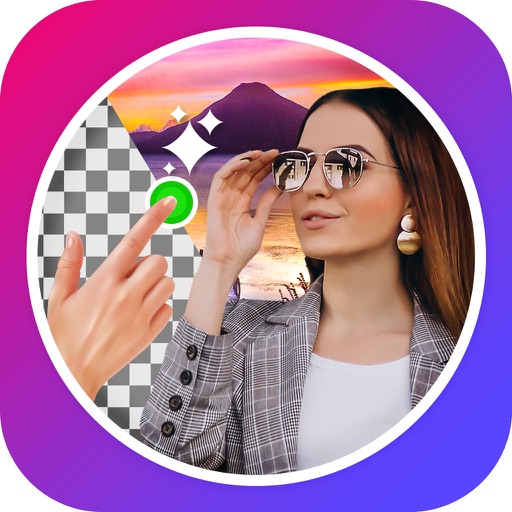
Edit images to remove backgrounds using AI. Cut out objects and replace them with new backgrounds. Adjust edges for smooth transitions. Share edited images directly.


Image Crop - Video Compressor
Jayshri Pipaliya
, trim, and compress media
And resize photos for social media profiles including Instagram, Facebook, Pinterest, and LinkedIn. Trim and compress videos. Apply blur, flip, and rotate functions. Export edited media in optimized formats.


Easy blur photo effecter
Daisuke Isayama
Easily manipulate blurring processed photos.
The app allows users to manipulate blurring processed photos. It is effective for blurring faces or erasing noise.
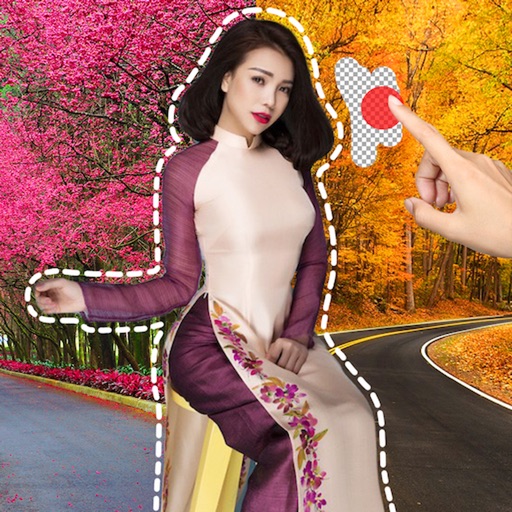
Photo Background
Nothern Studio
Remove with AI
Remove image backgrounds using AI for transparent effects. Edit photos by cutting specific areas manually. Add new backgrounds, text, and stickers. Create profile pictures with customizable options.

Video Auto Blur
MITSUKO MARGOT KUBOTA ONO
Edit videos and people automatically
And pixelate people in videos by selecting targets like face, eyes, mouth, or full body. Automatically detect and track subjects across frames. Save and share edited videos in three simple steps.

Blurpic - for your memory -
TOSHIYUKI HIRATA
Blur unwanted photo details instantly.
The app allows users to blur specific areas of photos using finger tracing or automatic face detection. Users can select from four blur levels and adjust pen size, with options to save blur settings as presets for quick sharing.
Let's Draw : Drawing App
Shigeru Nakaya
Edit images, on photos, add text, share
Edit images by on photos with 45 colors and five pen thicknesses. Use zoom edit and undo functionality. Add text with drag and pinch for free layout. Import from camera roll and attach images. Share edited content via email, Twitter, and Facebook.
cinematic video portrait blur
Sounak Sarkar
Edit videos with effects and filters
Editor allows users to backgrounds and apply effects. Features include adjusting intensity, adding transitions, and exporting videos in various formats. Users can edit footage directly within the without needing professional equipment.


Perfect Portrait Retouch Face
Pawel Nozykowski
Edit faces, resize features, refine photos
Edit photos by adjusting facial features like nose and eyes. Apply pre-set filters for enhanced appearance. Use AI to detect photo planes and select Bokeh effects to blur backgrounds. Save and share edited images.
Photo GX Editor
Quantis, Inc.
Edit photos with filters and tools.
The app offers photo editing with filters and tools. Users can adjust brightness, contrast, blur, focus, and tone curves.
How we rank alternatives
Apps are ranked by functional similarity, category fit, rating confidence, and popularity.