Apps Like Blur Me: Image Blurring for iPhone and iPad
Create polished selective blur effects.
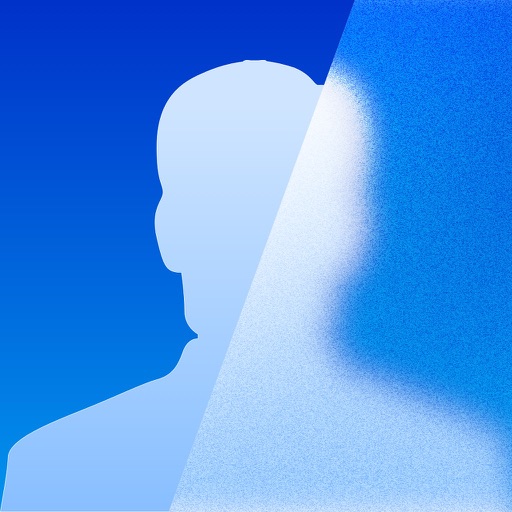
The app offers selective blur effects including motion, disc, and zoom. Users can compare original and edited images with a live split preview and save custom effect settings.
by 福恩 毛★ 3.02 ratingsEntertainmentFreeData updated 2026-09-24
Edit videos by splitting, cutting, and trimming clips. Adjust playback speed with smooth slow motion. Apply over 150 trending including neon, glitch, blur, VHS, and anime. Stack and blend multiple . Capture snapshot frames for use in projects.
Edit videos with controls including focus, exposure, ISO, and white balance. Apply slow motion, speed up, add borders, filters, text, music, blur, emojis, and stickers. Share directly to YouTube, Facebook, Snapchat, Twitter, and Instagram.
The app helps users resize photos to fit their screen for wallpapers. It offers features like image move, resize, rotate, blur effects, and a color palette.
The app offers a collection of filters and effects for photo editing. Users can adjust brightness, contrast, and tone curves, and apply blur and focus effects.
Browse and download 4K-HD with daily updates. Search by categories like 3D, abstract, animals, and space. Edit to add blur effects or create custom designs. Share or set as home screen.
Edit photos with single-tap filters, brightness, opacity, contrast, blur, and focus adjustments. Rotate, crop, and resize images. Share to Facebook, Twitter, or Instagram. Save to photo library or send directly.
Edit photos with color filters, brightness, and contrast adjustments. Add stickers and text. Apply film-inspired presets and advanced camera controls. Export edited images in multiple formats.
The app allows users to create unique iPhone wallpapers by adjusting blur levels on photos. Users can save, set, and share their creations in HD through various social platforms.
The app removes various types of noise from photos, including high ISO, chroma, and film grain. It preserves image details and can soften facial wrinkles.