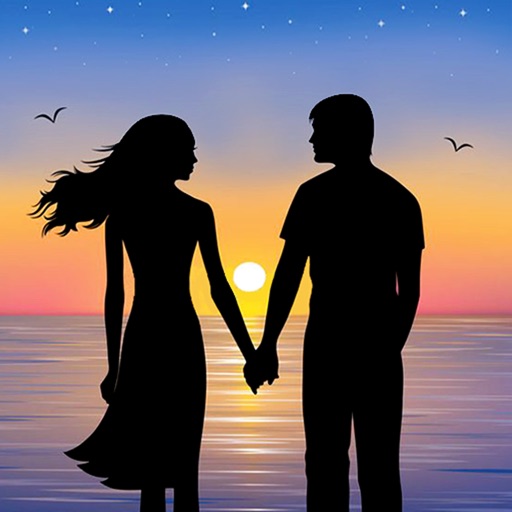
Capture -angle and panoramic photos using real-time lenses. Adjust distortion levels and select from multiple presets. Edit images with crop, rotate, and brightness tools. Share photos directly to social media or save in high-resolution formats.
Convert photos to style with 16 customizable masks. Adjust colors and settings for detailed control. Save high-resolution artwork for print. Share creations socially. Supports iPhone, iPad, and iPod touch.
Enhance photos with one-tap adjustments for Hi-Def, Scenery, Food, Portrait, and Night modes. Blur or whiten specific areas by dragging. Remove red-eye with a single tap. Export edited images in standard formats.
Adjust tone and tan strength with precise controls. Fine-tune color for a natural match. Smooth imions and add a radiant glow effect. Edit both face and body in photos. Apply adjustments quickly with automatic selection.
Edit photos with 23 tools including manual adjustments for ISO, shutter speed, and focus. Apply 80 presets and textures. Use built-in camera for manual settings. Export edited images directly. Share photos through integrated sharing options.
Blur image backgrounds to create effects. Select photos from gallery or capture new images. Apply multiple blurring tools to adjust blur intensity. Export edited photos to device storage.
Capture photos with film effects including dust, scratches, retro colors, flicker, light leaks, and frame shake. Adjust exposure, contrast, and color balance. Export images in various formats and share directly.
Add vibrant color to specific image areas using the Color Splash Effect. Adjust intensity and placement. Export edited in various formats. Share directly from the .
Create artistic images by masking subjects and separating them from backgrounds. Apply filters to subjects or backgrounds for dramatic effects. Adjust styles and textures to enhance visual impact. Share edited photos directly from the .
Create paintings from photos using automatic color blending and detail retention. Adjust color, shades, and detail with built-in controls. Add outlines or artistic finishes for enhanced visuals. Export and share the final artwork.
Edit photos with HDR effects, filters, and detailed adjustments. Enhance images with powerful lighting and contrast tools. Save and share edited photos in various formats.
Digitize negative and positive color films with high-quality scanning. Edit scanned images using intuitive tools. Adjust exposure, contrast, and color balance. Save and share edited photos directly.
Convert negatives to digital photos with high resolution. Edit images with advanced tools including filters, cropping, and adjustments. Save and share edited photos in multiple formats.
Blurify allows users to specific areas of a or the entire background. They can select from various brush types and shapes to apply . Adjust the intensity using a slider. Pre-set effects can be applied for different styles.
Add to photos and videos with customizable fonts and colors. Create captions, watermarks, and animated for social media. Edit art freely without ads or watermarks. Share edited content directly.
Create silhouettes from photos by converting images into vector outlines. Choose from pre-designed templates or customize shapes. Export silhouettes as SVG files or share directly. Design posters and decals using the tool.