The app displays user pictures in a virtual gallery. Users can add pictures from albums, arrange them on walls using gestures, and add frames with custom depth, width, and color.
by Christoph Arnold★ 3.65 ratingsPhoto & Video$9.99Data updated 2026-09-24
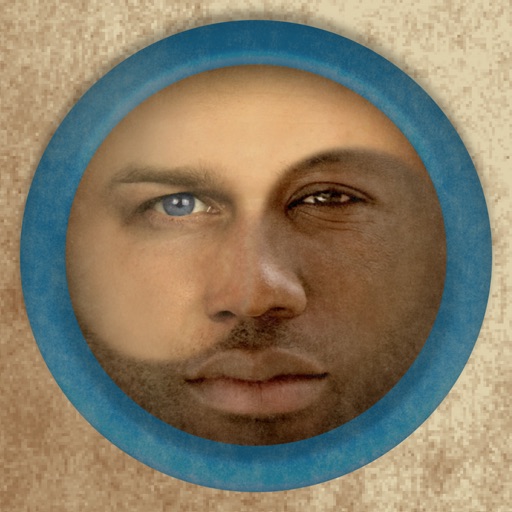
Merge faces to create humorous mixed images with friends, family, or celebrities. Adjust facial features and proportions. Share results via email, MMS, Facebook, or Twitter. Use preloaded example pictures or upload photos.
Edit videos with effects, transitions, and filters. Add subtitles in various fonts and animated text. Include motion stickers, background music, and AI cutout features. Create slideshows and trim clips for vlogs and social media content.
Edit photos with holiday-themed frames, filters, and effects. Add text, stickers, and decorations. Export in various formats and share directly. Adjust brightness, contrast, and colors for festive visuals.
Edit photos by flipping vertically or horizontally, resizing, and rotating. Adjust orientation and images for upload. Compare edited photos with originals in single mode. Batch edit multiple images at once.
Create collages by combining pictures, videos, or a mix of both. Choose between sequential or delayed video playback. Use built-in layouts or design custom ones. Select from 1:1, 9:16, 3:4 ratios or set custom proportions.
Edit photos with -themed and effects. Choose from multiple creative designs. Import images from gallery or camera. Adjust brightness, contrast, and color. Share via Facebook, Instagram, or WhatsApp. Save high-resolution versions.
Create new pictures by dragging parts of existing images together. Solve puzzles by rearranging elements to match the target image. Play a variety of puzzles designed for all ages. Track progress and replay puzzles for continued challenge.
Edit photos by applying -themed frames from a collection. Select images from the camera or gallery. Add text to personalize messages. Share edited photos directly.
Match pairs of pictures by connecting their cords to the correct sockets. Solve puzzles to progress through levels. Unlock new challenges by finding links between images. Track progress and replay levels for practice.
Apply filters and to photos. Select from pre-designed templates to create images or cards. Edit photos by adding text, stickers, and custom . Share edited photos directly.
Resize videos to custom aspect ratios. Crop, rotate, and adjust dimensions. Add background blur, gradients, or solid colors. Include animated text and emojis. Export videos for Instagram, Twitter, Facebook, Pinterest, and YouTube.
Edit photos with -themed and creative effects. Choose from gallery or camera sources. Apply enhancements for realistic visuals. Share edited photos directly.
The app allows users to create photo and video collages with customizable layouts and enhancements. Users can add text captions, filters, and borders, and import media from various sources.
Create cinemagraphs by animating static images with moving effects, presets, and filters. Add overlays and convert to videos or GIFs. Save and share animated photos as wallpapers or social media content.