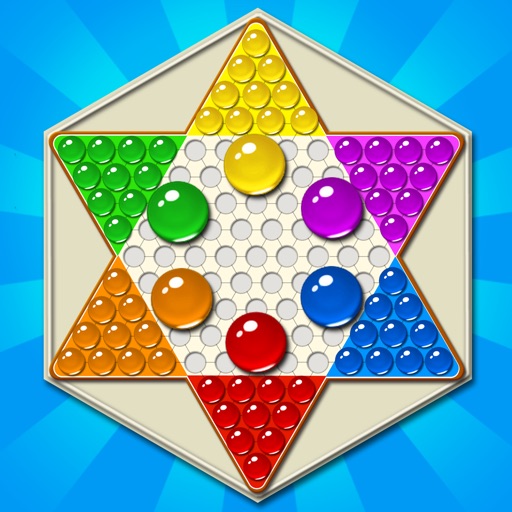
Play a fast-paced strategy game where players move pieces across a board to reach the opposite star corner before opponents. Pieces can jump over empty spaces, allowing for dynamic movement.
by Shun Wan Tang★ 4.5406 ratingsGamesFreeData updated 2026-09-08
Play on a hexagram-shaped board. Move pieces one step or jump over others. Race to move all pieces to the opposite corner. Supports two to six players, single or team play. Track turns and piece positions.
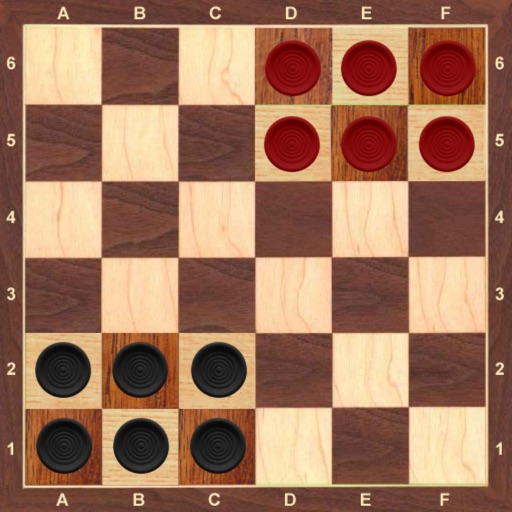
Play with 1 or 2 players against computer opponents with 5 difficulty levels. Enable or disable forced captures. Undo moves and enjoy HD graphics on compatible devices.
Play with immersive 3D graphics. Challenge opponents in single-player or pass n play mode. Choose from 4 difficulty levels. Customize the board, pieces, and table. Tap to select pieces and move them to target squares.
Play by selecting a piece and moving it to an adjacent empty space or jumping over occupied pieces. End a turn by clicking the piece again. Win by moving all pieces to the opposite side.
Solve by dragging and dropping pieces into place. Choose from thousands of free HD images. Track progress and complete to improve memory and focus. Share completed with friends.
Move pieces by tapping to remove them from the board. Use special mechanics to solve puzzles. Progress through increasingly complex stages requiring strategic thinking and precise moves.
Play in free online multiplayer battles with fast-paced shooting mechanics. Select characters with unique abilities and power-ups. Compete against players in intense matches. Customize avatars and gear to enhance gameplay.
Play by moving checkers across a 24-point . Take turns rolling dice to move pieces, aiming to remove all checkers from your side. Use strategy to block opponent's pieces and force them to reenter the game.
Play a free online multiplayer version of with 2 or 4 players. Chat and send emojis during gameplay. Access daily magic chests to earn up to 50K coins. Designed for tablets and phones.
Solve puzzles by sorting pieces, moving them around, and filling edges. Choose from puzzles based on famous artworks. Save progress and replay puzzles. Share completed puzzles with others.
Is a turn-based strategy game played on hexagonal boards. Players conquer tiles by cloning or jumping pieces. Cloning adds tiles, while jumping allows movement to distant spaces. Converting opponent tiles increases control.
Play strategy board games with 2-6 players. Choose between normal mode and fast-paced Super . Compete against random players or friends. Play offline using bots for practice. Track progress and refine skills through repeated gameplay.
The app offers a board game where players move pieces to the opposing corner. Players can compete against friends or a computer opponent with six difficulty levels.
Play a turn-based dice game with friends or family. Move pieces across the board using dice rolls. Challenge opponents in real-time matches. Customize avatars and game settings. Track progress and compete in leaderboards.
Play a multiplayer board with customizable pieces and multiple variants like Novus and Crokinole. Pot all your pieces before your opponent. Compete against online players or friends. Adjust piece designs with unlockable options.
Play online with friends by taking turns to roll and move colored pieces. Compete to be the first to reach the home zone. Customize player colors and track progress through levels and special collection.