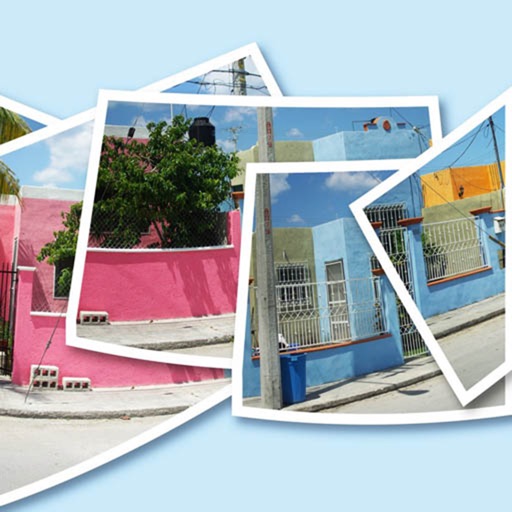
Create and video collages with customizable grids and layouts. Add photos, text, stickers, and drawings. Use exclusive filters and animated templates. Export and share finished designs.
Split large rectangular photos or panoramas into square images for . Upload individual tiles and watch them combine into a single image. Adjust scaling options for detailed viewing. Share high-quality images without resizing.
Trim videos to 2–15 seconds. Cut segments and split into two parts. Rotate, crop horizontal to vertical, and take screenshots. Update dates to appear at the top of the gallery.
Split large rectangular photos or panoramas into square tiles for Instagram. Upload individual tiles and combine them to view a complete image. Adjust scaling and detail settings for optimal display. Share high-quality images without resizing.
Edit photos with cropping, brightness adjustment, and color correction. Apply filters and beauty tools to enhance skin tone and remove blemishes. Save and share edited images directly.
Post full-size photos to without cropping. Select images from albums or capture new ones. Drag and scale images for layout. Overlay additional images on top of the main photo.
Split large rectangular or panoramas into square tiles for Instagram. Upload individual tiles to create a cohesive image. Adjust scaling and layout options for detailed viewing. Share combined images directly from the .
Edit photos with filters, masking tools, and multiple filter layers. Apply selective filters using advanced masking to create effects like color splash or tilt shift. Adjust and combine filters for custom results.
Create greeting cards by adding photos to frames. Select images from the gallery or take new photos. Choose from various frames and adjust photos with zoom and rotation. Share cards with friends and family.
Record videos with - effects by capturing footage and adjusting scan speed, direction, and timer. Freeze or stretch specific parts of the frame to create surreal visuals. Share the edited videos directly from the .
Automatically stitches consecutive screenshots from the . Users can export high-definition stitched screenshots with one click. The recognizes and combines screenshots quickly for seamless long-screen captures.
AutoStitchPic combines multiple overlapping photos into a single continuous image. Users can merge horizontally or vertically tiled photos, including multi-row arrangements. The allows merging 3-30 images to create panoramas.