
Apps Like Drawing with Carl for iPhone and iPad
Draw over images and add talking stickers
Create drawings by importing images and adding layers. Use talking stickers that repeat spoken words sound. Access tools for detailed artwork. Design custom sets Talking and draw animated characters. Explore mirror painting for symmetrical art.
Drawing with Carl screenshots
Ranked alternatives
Showing 141–160 of 1,000 ranked alternatives.
Grid Painter
bigpantsgroup LLC
Place over images to paint precisely
Create and customize grids on images for drawing and painting. Place grids over photos to use as reference. Adjust size and spacing. Export layers for use in digital art tools.

Kids Paint Joy -Magic Brushes and Colors
国燕 韩
Draw with 13 on canvas
Create drawings using 13 like glow neon, crayon, and chalk. Draw on a color canvas or edit photos. Save drawings and animations to the built-in gallery. Record drawing sessions as videos and replay them.

Draw Funny Story: DOP Puzzle
DO VAN HUY
And complete stories
Lets users complete unfinished drawings by adding details to scenarios. Users can navigate through various puzzles, solve logic-based drawing challenges, and create humorous stories.
How to draw Dogs & Cats
A2DWebs
Cute animals step by step
Learn to cute and in 8 simple steps. Choose a breed, follow guided instructions, and practice drawing anywhere. Save and share completed artwork.
Let's Draw - Drawing App
Shigeru Nakaya
Edit images, add text, share drawings
Edit images by on photos and adding text. Choose from 45 colors and five pen thicknesses. Use zoom editing and undo functionality. Share edited images via email, Twitter, and Facebook.

Learn Drawing - Art Tutorial
Riafy Technologies Private Limited
To draw with video tutorials
To draw with video tutorials that break down techniques into manageable steps. Practice fundamental skills through structured lessons. Follow along with visual guidance to improve technique and create artwork.

Light Painting and Drawing
ISMITECH COMPANY LIMITED
Paint with colors and draw freely
Create and edit drawings with over 20 colors and adjustable brush sizes. Save drawings and their creation process in a built-in gallery. Replay or resume drawings at any time. Draw on iPhone, iPad, or iPod Touch.

Whiteboard: drawing & painting
An Banh
Draw on with chalks
Draw on a using colored chalks with adjustable brush size. Enable chalk brush texture for realistic feel. Create unlimited blackboards with three background styles. Share drawings via email.

StoryDrawV1
Digital Perfection LLC FZ
Draw and share application storyboards.
The app allows users to draw storyboards for applications. Users can share their drawings via email or social media platforms like Facebook and Twitter.
Guess The GIF
Conversion, LLC
And win streaks
Lets users pop culture icons based on original drawings. Players can purchase hints if needed. The game is free to play with no in- purchases required.
Camera 3D Pro
Nicola Vacca
Capture, view, and share 3D.
The app allows users to capture 3D images with auto or pro modes. It supports viewing 3D pictures in various formats and includes editing tools.
Learning to Draw is Fun - Lite version
Alexandre Minard
Children learn to draw pictures easily.
The app teaches children to draw four different pictures in four easy steps. Finished drawings can be colored and saved for printing.
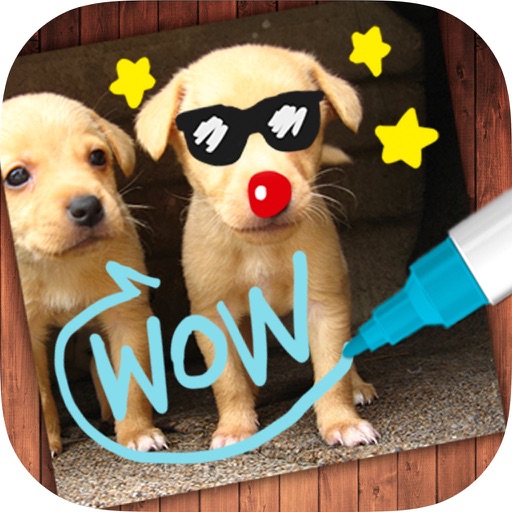
Draw on Photos – Add Stickers
Maria Gascon
Create striking images in minutes.
The app allows users to create images by writing notes, drawing, and adding captions. Users can select photos from their gallery or take new ones to add various drawing tools and colors.
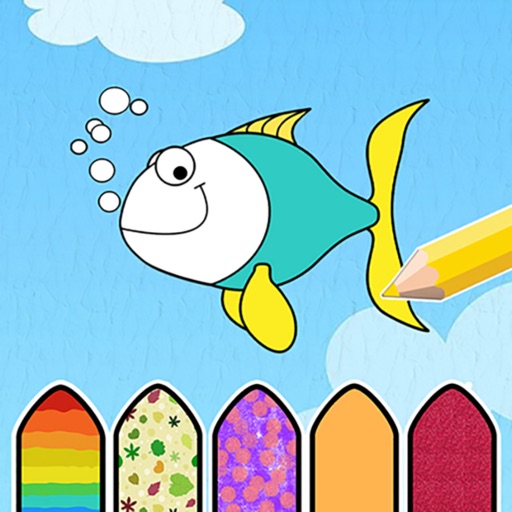
Kids Painting, Draw & Coloring
Hue Hoang Thi
, color, and create with tools
Can and color with tools like pencils, brushes, and crayons. They can create paintings of animals, fruits, and vehicles. Includes pages for princesses and toddlers. Features a drawing book and creative doodling options.
How we rank alternatives
Apps are ranked by functional similarity, category fit, rating confidence, and popularity.